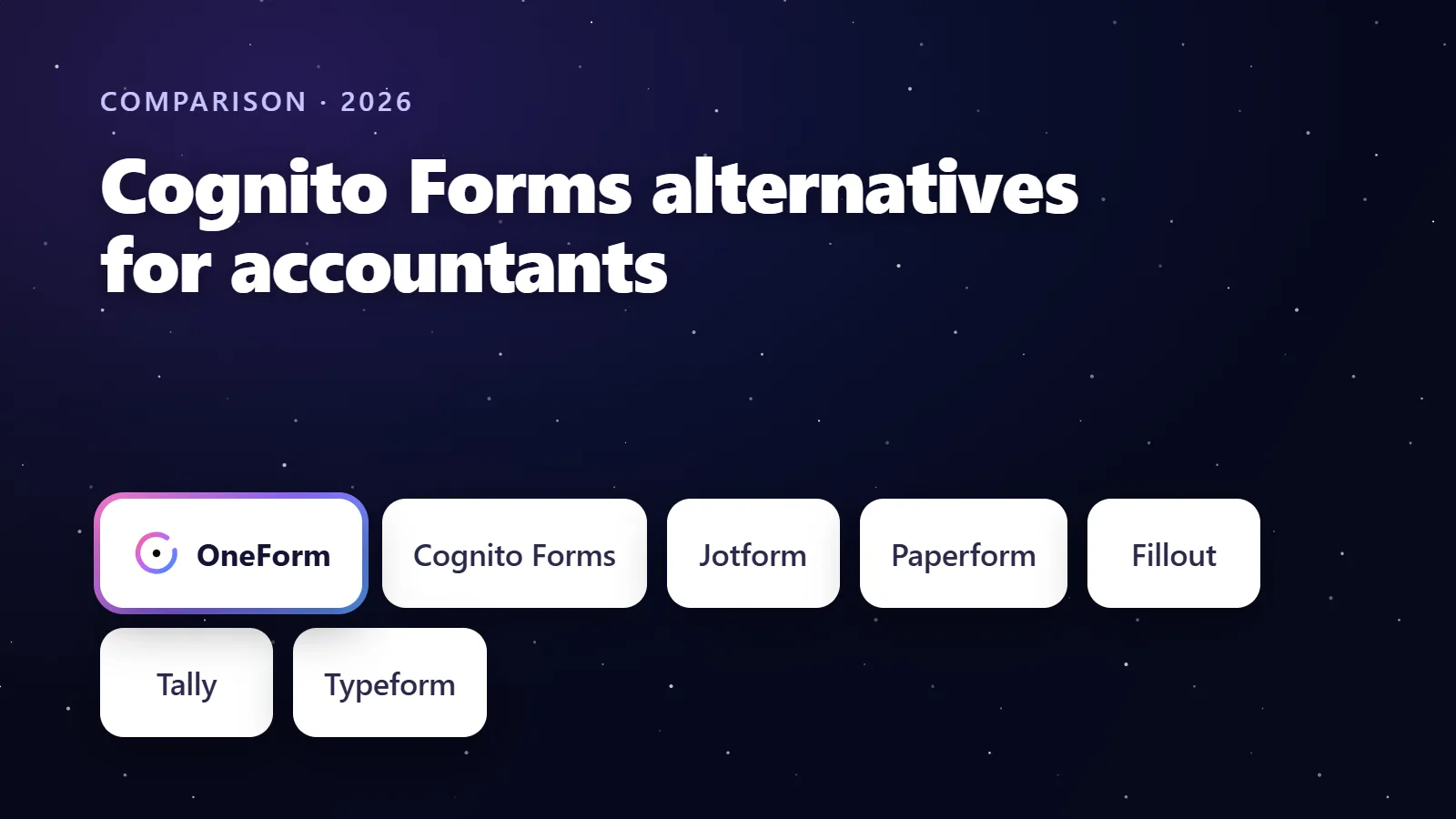
The best Cognito Forms alternative for accountants is OneForm, which keeps the client-facing form simple and adds what Cognito does not: a written report from every response that your team reviews, a booking page and a paid report or paid call on every plan. Jotform is the closest like-for-like replacement with signatures, payments and PDFs; Paperform adds e-signatures on every plan; Fillout and Tally are the value picks; Typeform is the most polished for short prospect forms.
We make OneForm, one of the tools on this list. We've tried to be fair: every competitor detail below comes from the vendor's own pricing, product or help pages, checked in October 2026, and each tool's section says who it's best for.
Try OneForm free. Attach a screenshot or PDF of your Cognito form and OneFormAI rebuilds it one question at a time, then every response becomes a report you review before it goes out. Start free, no card needed.
Key takeaways
- Cognito Forms is good at long data-gathering forms: repeating sections, save-and-resume, e-signatures and documents generated from the entry. Firms look elsewhere when they want the form to lead somewhere: a report, a booked call or a paid consultation.
- OneForm is the alternative built for that job. Reports with review, booking pages and paid reports are on every plan, Free Forever included (3 live forms, 50 responses a month) as of October 2026.
- Jotform matches most of Cognito's feature list, with Card Forms for a one-question-at-a-time layout, from $39 a month or $408 a year on Bronze.
- Paperform includes payments and Papersign e-signatures on every plan, including Free (30 submissions a month); Pro is $49 a month billed annually.
- No alternative here writes a client report from the answers except OneForm; the others produce submission PDFs or merge documents.
The best Cognito Forms alternatives at a glance
Prices are in US dollars from each vendor's pricing page in October 2026, before tax.
| Tool | Best for | Free plan | Paid plans from | Standout feature |
|---|---|---|---|---|
| OneForm | Accounting firms and advisors that want a reviewed report, a booking or a paid consultation from each response | Yes: 3 live forms, 50 responses a month | $19/mo billed monthly, or $192/yr (Basic) | AI-drafted report per response, reviewed before sending; bookings and paid reports built in |
| Cognito Forms (for reference) | Long data-gathering forms with repeating sections and e-signatures | Yes: 100 entries a month, 1 user | $24/mo billed monthly, or $19/mo billed annually (Pro) | Repeating sections, save-and-resume, document generation |
| Jotform | The closest like-for-like replacement | Yes: 5 forms, 100 submissions a month | $39/mo billed monthly, or $408/yr (Bronze) | PDFs, e-signatures, payments and approvals in one toolkit |
| Paperform | Forms plus e-signatures on every plan | Yes: 30 submissions a month, 3 Papersign documents | $49/mo billed annually, $59 month-to-month (Pro) | Payments with no transaction fee, Papersign included |
| Fillout | Generous free tier with unlimited seats | Yes: 1,000 responses a month | $15/mo billed monthly, or $180/yr (Starter) | PDF generation, scheduling and payments on every plan |
| Tally | Free unlimited forms | Yes: unlimited forms and submissions (fair use) | $24/mo (Pro) | Payments, signatures, logic and calculations free |
| Typeform | Polished short prospect forms | Yes, with limited responses | $39/mo billed monthly, or $28/mo billed yearly (Basic) | Conversational layout, AI form creation |
| Formstack | Document-heavy teams on Salesforce | No; 14-day trial of Forms | $83/mo paid annually, $99 monthly (Forms) | Forms, Documents and Sign as one suite |
Why do accountants look for Cognito Forms alternatives?
Cognito Forms calls itself "the best online form builder for accountants" on its accounting page, and for a long tax-gathering form it has a strong case: repeating sections for dependents, assets or expenses, save-and-resume, electronic signatures, Stripe, Square and PayPal payments, and PDF or Word documents generated from entry data. The reasons firms shop around are about what comes next.
- No written report. Documents are generated from the entry data, with your branding. Interpreting the answers for the client is still a person's job.
- No booking step. Cognito's pages do not describe a calendar on the thank-you screen or paid appointments; the follow-up happens in another tool.
- Features by tier. On the accounting page, signatures and Stripe are on Pro, data encryption and workflow automation on Team, and requiring two-factor authentication on Enterprise.
- Layout. Cognito forms are long scrolling pages. Firms that want the one-question-at-a-time feel for prospect checkups look at Typeform-style builders.
As of October 2026, Cognito's pricing page lists Individual at $0 (100 entries a month), Pro at $24 a month or $19 billed annually, Team at $49 or $39 and Enterprise at $174 or $129, with a 14-day trial of paid plans. The page showed two plan line-ups when we checked; these are the figures its accounting page quotes.
How we chose
We looked for tools an accounting firm could adopt without a developer and judged them on layout, logic, pricing and limits, what happens after submit, data handling as described on the vendor's pages, and ease of building. We did not run tests or quote review scores. Every price links to the vendor's own page.
1. OneForm: best for firms that want a reviewed report, a booking or a paid consultation from each response
OneForm is ours, and it is built for accounting firms and financial advisors rather than every form use case. It asks one question at a time, and when the client finishes, the work starts: OneFormAI drafts a report from your firm's instructions, a reviewer approves it, and it goes out as a branded PDF. The thank-you screen can show your booking page or sell the report.
What stands out
- Reports with review on every plan: an advisory report or one of 12 document types, including an engagement letter, proposal, tax organizer and document request. See how reports work.
- Bookings and paid calls through OneForm's own scheduler, synced to Google Calendar with a Google Meet link, or your existing Calendly, Cal.com or Acuity page shown on the thank-you screen pre-filled.
- Paid reports through your own Stripe account; OneForm takes no cut.
- Rebuild your Cognito form in minutes. Attach a screenshot or PDF and OneFormAI writes the questions, logic, scores and endings.
- Ten ready-made tax checkups such as the Business Owner Tax Checkup, each with its report built in.
- Leads scored by fit and intent, with CRM sync to HubSpot, Pipedrive, Salesforce or Zoho on Pro.
Things to know
- OneForm does not have repeating sections, file-upload or e-signature questions, or payments inside the form. If your Cognito form is a 60-field organizer with uploads and signatures, keep that in your portal and use OneForm for the checkups and intake that should lead to a report or a call.
- It has fewer templates and integrations than Jotform.
Pricing
As of October 2026, OneForm's pricing is Free Forever at $0 (1 team member, 3 live forms, 50 responses a month, paid reports and bookings), Basic at $19 a month or $192 a year, Pro at $49 or $492 (3 team members, voice forms, CRM sync) and Firm at $149 or $1,500 (5 team members, team roles, your own sending domain). Start free without a card.
2. Jotform: best like-for-like replacement
Jotform covers nearly everything on Cognito's feature list and adds a wider set of products around it. If you want to move a long organizer with signatures and payments without changing how it works, Jotform is the safest landing.
What stands out
- E-signatures, payments and file uploads inside the form; the PDF Editor turns each submission into a branded PDF attached to emails.
- Card Forms for a one-question-at-a-time layout.
- Approvals with approvers, emails and conditional branches.
Things to know
- Free Starter forms carry Jotform branding and store 500 submissions in total; the oldest is deleted when storage is exceeded, per Jotform's pricing FAQ.
- The PDF is a layout of the answers, not a written report.
Pricing
As of October 2026, Jotform lists Bronze at $39 a month or $408 a year (25 forms, 1,000 submissions), Silver at $49 or $468 and Gold at $129 or $1,188. Our Jotform alternatives post covers the reverse move.
3. Paperform: best for forms plus e-signatures on every plan
Paperform bundles forms, payments and its Papersign e-signature product. For a firm that chose Cognito mainly for signatures and payments, it is a close fit.
What stands out
- Payments on every plan including Free, with "no transaction fees," through Stripe, Square, Braintree and PayPal, per Paperform's pricing page.
- Papersign on every plan: 3 signed documents a month on Free, 25 on Pro, 100 on Business.
Things to know
- Free allows 30 submissions a month; subscriptions, coupons and product sales are not on Free.
Pricing
As of October 2026, Paperform lists Pro at $49 a month billed annually or $59 month-to-month and Business at $124 or $149, both with unlimited submissions within fair use.
4. Fillout: best for a generous free tier with unlimited seats
Fillout charges per plan, not per seat, and lists PDF generation, scheduling and payments as included on every plan, Free included.
What stands out
- 1,000 responses a month and unlimited seats on Free, per Fillout's pricing page; forms keep collecting if you pass the limit.
Things to know
- No accounting templates or report step.
Pricing
As of October 2026: Starter $15 a month or $180 billed annually (2,000 responses), Pro $40 or $480 (5,000), Business $75 or $900 (unlimited).
5. Tally: best for free unlimited forms
Tally makes payments, signatures, file uploads, conditional logic and calculations free, with unlimited forms and submissions within its fair use guidelines, per its pricing page.
Things to know
- Removing Tally branding, custom domains, partial submissions and drop-off analytics need Pro; free uploads are capped at 10 MB per file.
Pricing
As of October 2026, Pro is $24 a month and Business $74 a month billed monthly, with two months off yearly.
6. Typeform: best for polished short prospect forms
If the Cognito form you want to replace is a prospect questionnaire rather than an organizer, Typeform's conversational layout, logic and AI form creation make a good impression. Payments are available inside the form through Stripe.
Things to know
- Response limits are account-wide: 100 a month on Basic, 1,000 on Plus, 10,000 on Business; branding removal starts on Plus.
- No built-in per-response report; Typeform's help points to third-party tools for PDFs. See OneForm vs Typeform for accountants.
Pricing
As of October 2026, Typeform's pricing page lists Basic at $39 a month billed monthly or $28 billed yearly, Plus at $79 or $56 and Business at $129 or $91.
7. Formstack: best for document-heavy teams on Salesforce
Formstack sells Forms, Documents and Sign as a suite, with 250 document deliveries a month and unlimited eSignatures on Suite, per its pricing page. It fits larger teams that generate many documents; it is the most expensive option here for a small firm.
Pricing
As of October 2026, Forms starts at $83 a month paid annually ($99 monthly) and Suite at $250 paid annually ($299 monthly), with a 14-day trial of Forms.
How do you switch from Cognito Forms?
Most builders have no direct Cognito import, so plan a rebuild rather than a migration. It is less work than it sounds if you decide first which forms should move at all.
- Export your entries from Cognito and keep them where your firm keeps records, so nothing depends on the old account.
- Sort your forms into two piles: documents and signatures that belong in your portal, and client-facing checkups and intake that should lead to a report or a call.
- Rebuild the second pile first. In OneForm, attach a screenshot or PDF of the Cognito form and OneFormAI rebuilds it; Jotform and Typeform also build from uploaded files.
- Take identifiers out as you go. Replace exact figures with bands and drop any field for Social Security or account numbers.
- Test every path with a sample response, then swap the link or embed on your website and pause the Cognito form rather than deleting it for the first month.
Which Cognito Forms alternative should you choose?
- You want the form to end in a reviewed report, a booked call or a paid consultation: OneForm.
- You want to move a long organizer with signatures, uploads and payments as it is: Jotform.
- Signatures and payments on a budget: Paperform or Tally.
- Several staff building forms without per-seat fees: Fillout.
- Short, polished prospect forms: Typeform.
- Many documents and Salesforce: Formstack.
For the wider field, see our guide to the best form builders for accounting firms.
Get started with OneForm. Rebuild one Cognito form from a screenshot, turn on reports, and review the first draft today. Start free, no card needed.
Frequently asked questions
What is the best alternative to Cognito Forms for accountants?
OneForm, if you want the form to produce something: each response becomes a report your team reviews, with a booking page and paid reports on every plan. Jotform is the closest like-for-like replacement for a long organizer with signatures and payments. Paperform and Tally cover signatures and payments cheaply, and Fillout offers a generous free tier with unlimited seats, all as of October 2026.
Is Cognito Forms free?
Cognito Forms has a free Individual plan with 100 entries a month for one user, as of October 2026. Its accounting page puts signatures and Stripe payments on Pro at $24 a month ($19 billed annually), data encryption and workflow automation on Team at $49 ($39 annually), and the option to require two-factor authentication on Enterprise at $174 ($129 annually). Paid plans have a 14-day trial.
Does Cognito Forms generate reports from form entries?
Cognito Forms generates PDF and Word documents from entry data with your branding, which suits engagement letters and intake packets. Its pages do not describe writing a narrative report that interprets the answers. OneForm's reports are written by OneFormAI from your instructions and reviewed by your team before they are sent, and Jotform's PDF Editor lays submitted data out in a template.
Can I move my Cognito forms to another tool?
Most builders have no direct Cognito import, so the usual route is to rebuild. OneForm's AI builder rebuilds a form from a screenshot or PDF of the original; Jotform and Typeform build forms from uploaded files with AI as well. Export your existing entries from Cognito first, and keep sensitive identifiers such as Social Security numbers out of the new client-facing form.
Which alternative has repeating sections like Cognito?
Jotform comes closest: its Input Table has rows the form builder fixes before publishing, and its Configurable List widget lets respondents add their own rows, according to Jotform's help answers. OneForm does not have repeating sections; it uses bands and multiple-choice questions for checkups, and a line-items question for rows with quantity, price, tax and category.
This comparison reflects each vendor's published pricing, plans and features as of October 2026. Prices and limits change; check the linked pages before you buy. This article is general information, not tax or legal advice. Cognito Forms, Jotform, Paperform, Fillout, Tally, Typeform and Formstack are trademarks of their respective owners; OneForm isn't affiliated with them.