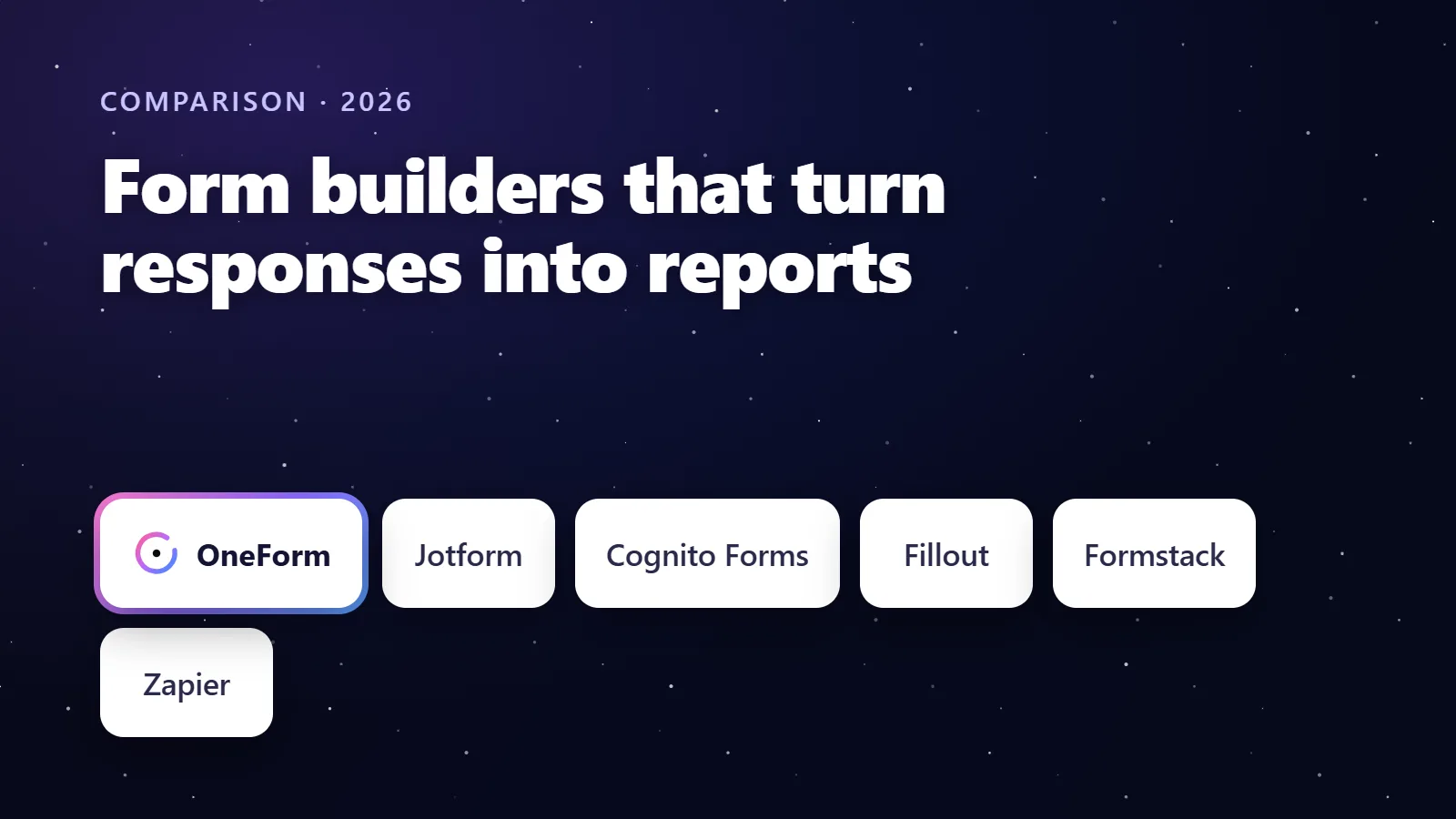
If you want a form that turns each response into a report, OneForm is the only form builder that writes a narrative report from the answers and holds it for your review before it is sent. Jotform, Cognito Forms, Fillout and Formstack generate PDFs that lay the submitted data out in a template, and a Typeform plus Zapier plus Google Docs stack can merge answers into a document. The difference is who writes the words.
We make OneForm, one of the tools in this comparison. We've tried to be fair: every competitor detail below comes from the vendor's own pricing, product or help pages, checked in October 2026, and each section says who the tool is best for.
Try OneForm free. Open the Tax Opportunity Report template: the questions and the report instructions are already written, so your first reviewed report is waiting a minute after a test response. Start free, no card needed.
Key takeaways
- There are three different things people mean by "a report from a form": a PDF of the answers, a document template filled with the answers, and a written report that interprets the answers. Only the third saves a professional's time.
- OneForm writes the report: OneFormAI drafts it from your instructions, a reviewer edits and approves it, and it is emailed as a branded PDF. Paid reports and bookings are included on every plan, Free Forever included.
- Jotform's PDF Editor, Cognito Forms' document generation, Fillout's PDF generation and Formstack Documents all fill a layout with submitted data; none of their pages describes writing narrative content from the answers.
- A DIY stack (Typeform, Zapier, Google Docs) works for merge documents but adds a second subscription: Zapier's cheapest multi-step plan is $19.99 a month billed annually as of October 2026.
- Whatever tool you use, keep a human review step for anything a client will read, and keep sensitive identifiers out of the form itself.
What does "a form that generates a report" actually mean?
A submission PDF is a printout of the answers in the order they were asked. A merge document is a template with placeholders that the answers fill in, such as an engagement letter with the client's name and fee. A written report is prose that interprets the answers: what the facts suggest, what is worth reviewing, and what the next step is. The three overlap in marketing copy and differ completely in the work they remove.
| Output | What the client receives | Who writes the content | Tools that do it |
|---|---|---|---|
| Written report | A personalised narrative about their situation, reviewed by a professional | AI drafts from the firm's instructions; the firm edits and approves | OneForm |
| Merge document | A letter, proposal or checklist with their details filled in | The firm writes the template once | Cognito Forms, Formstack Documents, Fillout, Zapier plus Google Docs, OneForm's 12 document types |
| Submission PDF | Their answers, laid out and branded | Nobody; it is the data | Jotform PDF Editor, Cognito Forms, Fillout, Formstack |
Form builders that generate reports, at a glance
Prices are in US dollars from each vendor's pricing page in October 2026, before tax.
| Tool | Best for | What it produces from a response | Review before sending | Paid plans from |
|---|---|---|---|---|
| OneForm | Firms that send a written report, then book or charge | AI-written narrative report or one of 12 document types, as a branded PDF | Yes, every draft waits for approval unless auto-send is turned on | $19/mo, or $192/yr (Basic); Free Forever includes reports |
| Jotform | Submission PDFs attached to emails | Designed PDF of the submitted data | Approvals product adds approvers and conditional branches | $39/mo, or $408/yr (Bronze) |
| Cognito Forms | PDF and Word documents from entry data | Branded PDF or Word document built from the entry | Workflows on Team and up | $24/mo, or $19/mo billed annually (Pro) |
| Fillout | Budget PDF generation | PDF generation, included on every plan | Not listed on its pricing page | $15/mo, or $180/yr (Starter); Free includes 1,000 responses |
| Formstack Suite | Document-heavy, Salesforce-centred teams | Document deliveries (250 a month on Suite) plus eSignature | Workflow features in the suite | $250/mo paid annually ($299 monthly) for Suite |
| Typeform + Zapier + Google Docs | Teams already on Typeform | A Google Doc from a template, per Zap run | Manual, in the Doc | Typeform Basic $28/mo billed yearly plus Zapier Professional $19.99/mo billed annually |
How does OneForm turn a form response into a report?
OneForm is built around one sequence: a client answers questions, OneFormAI drafts a report from your firm's instructions, a person reviews it, and the client receives a branded PDF. The report is written for that client, not assembled from their answers.
- Write the instructions once. Describe the report you want, in the voice you want, with what never to promise. OneFormAI can write the instructions from a sentence, and you can test them on a sample response before anything is sent.
- A client completes the form. One question at a time, on a phone, with branching and scoring so a sole proprietor and an S corporation owner see different questions.
- A draft appears in your review pile. The client's answers sit beside the draft. Edit it, re-draft with a note, or swap in your own PDF.
- Approve and send. Now, or scheduled for Monday at 9. The email shows opens and clicks, and can end with a "Book your call" button.
- OneFormAI learns. Ratings and edits become writing rules for that form, so the fifth draft needs less work than the first.
The same engine produces 12 document types besides the advisory report: engagement letter, proposal, invoice, checklist, task list, tax organizer, document request, onboarding packet, memo, scope of work and more. Invoice totals are calculated by OneForm, never by the AI, and there is a no-AI layout mode when you only want the answers laid out neatly. See how reports work.
Things to know
- Nothing reaches a client unreviewed unless your firm turns on auto-send, which is confirmed in writing and held back if the AI did not write the draft or there is no email address.
- OneForm is built for accounting firms and advisors. It does not yet have file-upload or e-signature questions, and it has fewer templates and integrations than Jotform.
- Reports can be sold: price the report and the client pays with Stripe on the thank-you screen, to your own Stripe account. OneForm takes no cut. See how to charge for tax consultations and reports.
What do Jotform, Cognito Forms, Fillout and Formstack produce?
Jotform PDF Editor
Jotform's PDF Editor "automatically turns collected form responses into professional, secure PDF documents," with templates you customise to match your brand, and a PDF Attachment setting that adds the file to notification or autoresponder emails. The page describes arranging the collected data in a layout; it does not describe writing narrative text from it. Pair it with Jotform Approvals and a person can approve before the autoresponder goes out. Pricing as of October 2026: Bronze $39 a month or $408 a year, Silver $49 or $468, Gold $129 or $1,188, per Jotform's pricing page.
Cognito Forms document generation
Cognito Forms can "automatically generate custom documents leveraging data collected from your forms," producing PDF and Word documents with your branding, per its features page. Combined with repeating sections and e-signatures, it is a strong choice for engagement letters and intake packets. Workflow automation starts on the Team plan. Pricing as of October 2026: Pro $24 a month or $19 billed annually, Team $49 or $39, Enterprise $174 or $129, per its pricing page.
Fillout
Fillout's pricing page lists PDF generation, payments and scheduling as included on every plan, including Free (1,000 responses a month, unlimited seats). It is the cheapest way to get a filled PDF out of a form. There is no review step or firm template library on the page.
Formstack Documents
Formstack sells Forms, Documents and Sign as a suite. As of October 2026 its pricing page lists Forms from $83 a month paid annually ($99 monthly) and Suite from $250 a month paid annually ($299 monthly), which includes 250 document deliveries a month and unlimited eSignatures. It fits teams that already run on Salesforce and generate many documents; it is the most expensive option here for a small firm.
Can you build a form-to-report pipeline with Typeform, Zapier and Google Docs?
Yes, and many firms have. Typeform collects the answers, a Zap fires on each response, and a Google Docs step creates a document from a template with the answers merged in. The result is a merge document, not a written report, and the stack has three costs.
- Two subscriptions. Typeform Basic is $28 a month billed yearly or $39 monthly (100 responses, 1 user) as of October 2026, and multi-step Zaps need Zapier Professional at $19.99 a month billed annually or $29.99 monthly for 750 tasks, per Zapier's pricing page. Zapier's free plan allows two-step Zaps and 100 tasks a month.
- Maintenance. Rename a Typeform question and the Zap's field mapping breaks silently.
- The writing is still yours. The Doc has the client's facts in the right places. Interpreting them is a person's job, every time.
Typeform's own help describes printing a response to PDF by hand and points to third-party tools to automate it. For the full comparison, see OneForm vs Typeform for accountants.
What should a client-facing report from a form include?
A good report from a questionnaire is short, specific and careful. It should read like a memo from the firm, not like a transcript or a sales page.
- A one-paragraph summary of what the client told you and what the report covers.
- Three to five observations tied to specific answers: "You said the business cleared about $140,000 and you take no salary; that is worth reviewing."
- What is worth reviewing, not what they will save. Ranges and "worth a conversation" language keep the report on the right side of advertising rules.
- What you still need to know, which is the natural bridge to a meeting.
- One next step: a booking link, a paid planning engagement, or a document request.
- A plain disclaimer that the report is based only on the answers given and is not advice until the firm has the full facts.
Keep identifiers such as Social Security numbers and account numbers out of the form that feeds the report. Ask for bands, choices and contact details, and gather documents through your portal.
How to run form-to-report with OneForm
Start from one of the ten tax checkups, such as the S Corporation Tax Checkup, or describe your own form in a sentence and let OneFormAI write the questions, logic and report instructions. Turn on reports, test the instructions on a sample response, and publish.
- Each response drafts a report that waits in your review pile; edit, approve and send as a branded PDF
- End the form with a booking page or a paid report, on every plan including Free Forever
- Send approved reports to Google Drive, filed by form and client
- Log each response to Google Sheets, Slack or a webhook with workflows
If a form should ask different questions and end differently for different people, see dynamic forms with different outcomes.
Get started with OneForm. Build a form, turn on reports, and review your first draft today. Start free, no card needed.
Frequently asked questions
Which form builder can generate a report from responses?
OneForm generates a written report from each response: OneFormAI drafts it from your instructions, your team reviews it, and it is emailed as a branded PDF. Jotform, Cognito Forms, Fillout and Formstack generate PDFs or documents that lay the submitted data out in a template. A Typeform, Zapier and Google Docs stack can merge answers into a document. The difference is whether the words are written for the client or copied from the form.
Can Jotform create a PDF report from a submission?
Yes. Jotform's PDF Editor turns each submission into a designed PDF, with templates you can brand, and a PDF Attachment setting adds it to notification or autoresponder emails. The content is the submitted answers arranged in a layout. Jotform's product page does not describe writing narrative text from the answers, so an advisory report is still written by your team.
Does Typeform generate PDF reports?
Not on its own. Typeform's help center describes printing a response to PDF by hand and points to third-party tools to automate per-response PDFs. Firms that want a document from each Typeform response usually add Zapier and Google Docs, which produces a merge document rather than a written report, and adds a second subscription.
Is an AI-written report safe to send to clients?
It is safe when a professional reviews it first and the instructions keep it to observations rather than promises. OneForm holds every draft for review by default, shows the client's answers beside the draft, and learns from your edits. Treat the report as the start of a conversation: what is worth reviewing, what you still need to know, and the next step.
How much does a form-to-report tool cost?
As of October 2026, OneForm's Free Forever plan includes reports with review, paid reports and bookings; Basic is $19 a month or $192 a year. Jotform Bronze is $39 a month or $408 a year, Cognito Pro $24 a month or $19 billed annually, Fillout Starter $15 a month or $180 a year, and Formstack Suite $250 a month paid annually. A Typeform plus Zapier stack starts around $48 a month on yearly billing.
This comparison reflects each vendor's published pricing, plans and features as of October 2026. Prices and limits change; check the linked pages before you buy. This article is general information, not tax or legal advice. Jotform, Cognito Forms, Fillout, Formstack, Typeform, Zapier and Google Docs are trademarks of their respective owners; OneForm isn't affiliated with them.