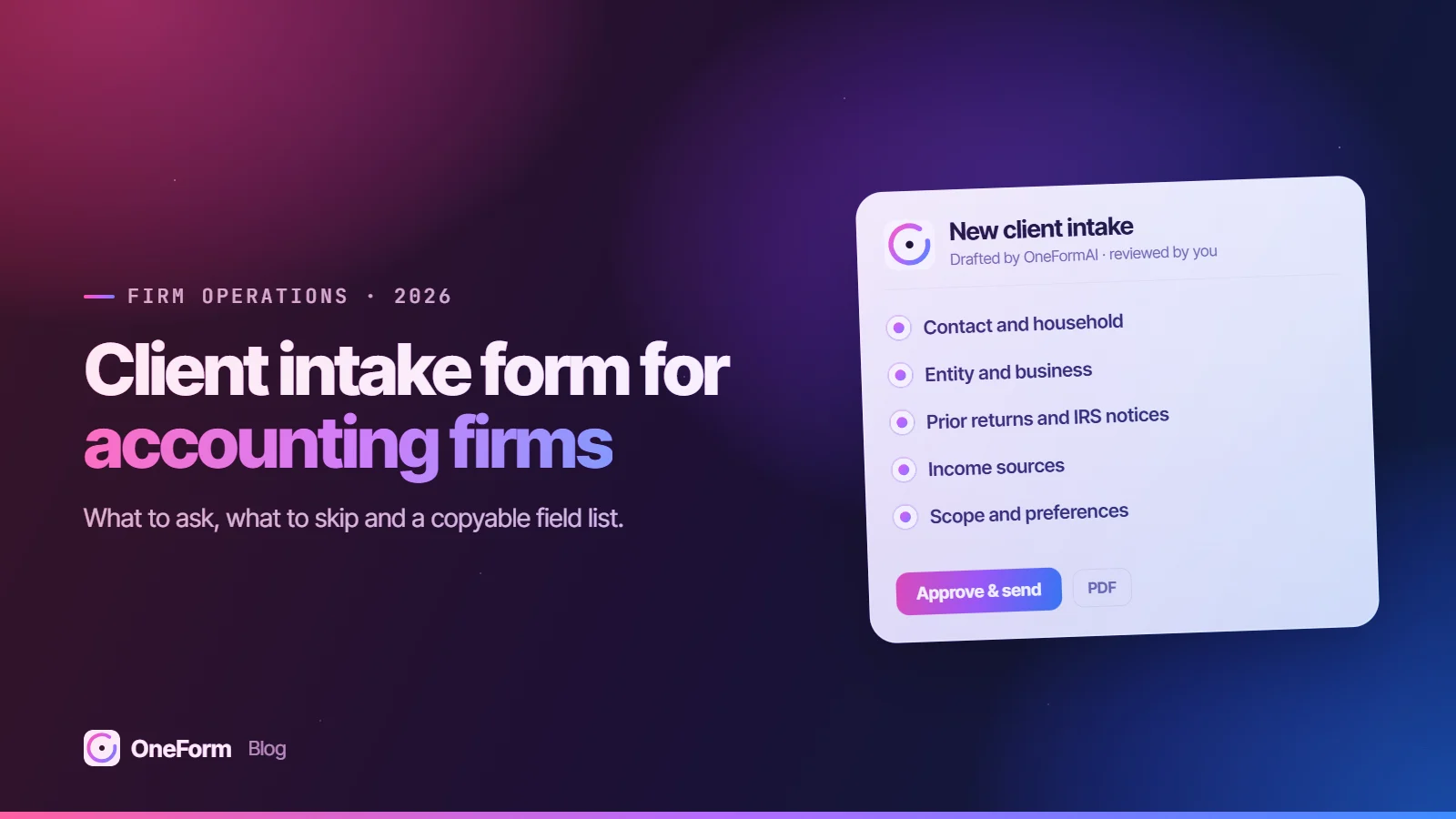
A client intake form for an accounting firm should collect only what you need to qualify, scope and price the work: contact and household details, entities owned, prior returns and IRS notices, income sources, which documents exist, the services wanted, and communication consent. Leave full Social Security numbers, bank account numbers and ID images out of it. Those belong in a secure client portal after the engagement is signed.
Key takeaways
- An intake form exists to decide whether to take the client, what the engagement covers and what to charge. It is not the tax organizer and it is not the engagement letter.
- Seven sections cover almost every CPA, EA and tax-prep intake: contact and household, entities, prior returns and notices, income sources, documents on hand, engagement scope, and consent and communication preferences.
- The FTC Safeguards Rule names tax preparation firms as covered financial institutions and requires encryption of customer information held or transmitted, so every system an intake answer flows into is in scope. Keep full identifiers out of the web form.
- Conditional logic lets a W-2 household and a three-entity business owner answer the same form without either seeing irrelevant questions.
- Aim for an intake a prospect can finish in five to ten minutes on a phone: every question should change the scope, the fee or the decision to engage.
Build this intake form in minutes. Describe it in one sentence, or attach the PDF you use today, and OneFormAI builds the form with its logic. Start from the Business Owner Tax Checkup if you like. Start free, no card needed.
What is a client intake form for an accounting firm?
A client intake form is the questionnaire a prospect or new client completes before the engagement starts, so the firm can confirm fit, define scope and quote a fee.
Most bad intake forms try to be something else: they ask for every 1099 amount, restate engagement terms or request a driver's license. Each of those belongs later in the client onboarding process, after the client has said yes.
What should a CPA client intake form ask?
Organize the form into sections that match how you scope work, ordered from easy to sensitive so the questions that need the most trust come after the prospect has invested a few minutes.
Contact and household
Name, email, mobile number, state of residence, and whether the client moved states during the year. Filing status last year and expected this year, spouse name if filing jointly, and the number of dependents with their age bands rather than dates of birth. Age bands flag credit and education questions without collecting a minor's birth date.
Entities and business ownership
Does the client own all or part of a business? If yes: entity type (sole proprietorship, single-member LLC, multi-member LLC, partnership, S corporation, C corporation), state of formation, ownership percentage, year started, approximate revenue band, whether the business runs payroll, and which bookkeeping system it uses. Ask how many entities in total. A client with one Schedule C and a client with four pass-throughs and a holding company are different engagements at different prices.
Prior returns and IRS or state notices
Who prepared last year's returns, whether all required returns for the last three years were filed, and whether the client has received any IRS or state notices or letters in the last 24 months. Add a yes/no for open payment plans or balances due, and a yes/no for whether they have an Identity Protection PIN. The IRS issues a new IP PIN each year and it must be entered on the return to avoid rejection, so you need to know one exists (IRS). Do not ask for the PIN itself in this form.
Income sources
A checklist, not amounts: wages, self-employment, K-1s, rental property, short-term rentals, brokerage accounts, crypto, retirement distributions, Social Security, foreign income or accounts, stock compensation, and sale of a home or business. Checklists are fast to answer and drive scope and price better than dollar figures at this stage.
Documents the client has
Ask which documents exist, not for the documents. "Do you have last year's federal and state returns as PDFs?" "Are your books reconciled through year end?" The answers tell you how much cleanup you are pricing; the files come through your portal after signing.
Engagement scope
Which services the client wants: individual return, business returns, bookkeeping, payroll, tax planning, IRS representation, entity selection, or advisory. Ask what prompted them to look for a new firm and when they need the work done. The "why now" answer tells you whether the real need is compliance or planning.
Consent and communication preferences
Preferred channel (email, phone, text), best time to reach them, consent to receive text messages if you plan to send them, and an optional checkbox for your newsletter or planning updates. Link your privacy notice next to the submit button. If you will use the answers to draft anything with AI, say so in plain words; our post on AI in tax practice and Section 7216 covers when consent is required once the person is a tax client.
Copyable intake field list
Use this as a starting field list. "Business" fields show only after the respondent says they own a business.
| Section | Field | Answer type | Shown to |
|---|---|---|---|
| Contact | Full name | Short text | All |
| Contact | Email and mobile number | Email, phone | All |
| Contact | State of residence; moved states this year? | Dropdown; yes/no | All |
| Household | Filing status last year and expected this year | Choice | All |
| Household | Number of dependents and age bands | Number; multi-select | All |
| Business | Do you own all or part of a business? | Yes/no (branch point) | All |
| Business | Number of entities; entity type for each | Number; choice | Business |
| Business | Ownership percentage and other owners | Number; yes/no | Business |
| Business | Revenue band and year started | Choice; year | Business |
| Business | Payroll? Owner on payroll? | Yes/no | Business |
| Business | Bookkeeping system; books current through | Choice; month | Business |
| Business | States where the business has employees, property or sales | Multi-select | Business |
| History | Who prepared last year's returns | Choice | All |
| History | All returns filed for the last three years? | Yes/no/unsure | All |
| History | IRS or state notices in the last 24 months | Yes/no + short text | All |
| History | Balance due or payment plan? | Yes/no | All |
| History | Do you have an IRS IP PIN? | Yes/no | All |
| Income | Income sources checklist | Multi-select | All |
| Income | Number of rental properties; any short-term rentals | Number; yes/no | If rentals checked |
| Income | Foreign accounts or income | Yes/no | All |
| Documents | Prior-year returns available as PDF | Yes/no | All |
| Documents | Books reconciled through year end | Yes/no/unsure | Business |
| Scope | Services wanted | Multi-select | All |
| Scope | What prompted you to look for a new firm? | Long text | All |
| Consent | Preferred channel and time | Choice | All |
| Consent | Text message consent | Checkbox | If mobile given |
| Consent | Newsletter opt-in (unchecked by default) | Checkbox | All |
What should you not collect in a web intake form?
Do not collect full Social Security numbers or ITINs, bank routing and account numbers, copies of driver's licenses or passports, IP PINs, dates of birth for dependents, or logins to payroll and bank portals. Ask for those after signing, inside a secure client portal your firm controls.
Why it matters: the Safeguards Rule and data sprawl
The FTC Safeguards Rule, issued under the Gramm-Leach-Bliley Act, lists tax preparation firms among the financial institutions it covers (FTC). It requires a firm to encrypt all customer information it holds or transmits, to use multi-factor authentication for anyone accessing its information systems, and generally to dispose of customer information no later than two years after it was last used for the client, subject to stated exceptions (16 CFR 314.4).
A web form answer rarely stays in one place. It lands in a notification email, a CRM record and a spreadsheet row. If it contains an SSN, each of those systems now holds sensitive customer information your security plan must account for, encrypt and eventually purge.
IRS Publication 4557 points the same way. It tells firms that collect information online directly from customers to make secure transmission automatic and to caution customers against sending sensitive data such as account numbers by email (IRS Pub. 4557, Rev. 6-2024).
Watch for fake prospects
The IRS and Security Summit partners have repeatedly warned about "new client" scams, where a criminal poses as a prospect and sends a malicious link or attachment (IR-2024-05). A structured intake form means prospects answer questions instead of emailing attachments, and you can verify them by phone before files change hands.
If you need a TIN to check for conflicts or prior-client matches before engaging, ask for the last four digits only and explain why on the form.
How should conditional logic work on an intake form?
Conditional logic is a rule that shows, hides or skips a question based on an earlier answer. It lets one intake link serve every kind of client.
- Branch on business ownership first. "Do you own all or part of a business?" sends owners into the entity section and sends everyone else straight to income sources.
- Loop on entity count. Ask how many entities, then repeat the short entity block (type, state, ownership, payroll) for each, up to a sensible cap. Above the cap, ask them to list the rest in a text field and flag the response for a partner.
- Expand from the income checklist. Checking "rental property" reveals the property count and short-term rental question. Checking "foreign accounts" reveals a yes/no on whether FBARs were filed.
- Escalate on notices. A "yes" on IRS notices or unfiled years reveals a short text field and tags the response for representation scope, which changes both staffing and fee.
- Route at the end. Use the answers to pick the ending: a booking link for clear fits, a polite referral message for work you do not do, and a "we will be in touch" page for responses that need review.
For an S corporation owner, the branch should also ask whether the owner takes a salary through payroll. That single answer tells you whether a reasonable compensation review belongs in the scope.
Intake form vs. tax organizer vs. engagement letter: what is the difference?
A tax organizer is the detailed, year-specific questionnaire that gathers the data needed to prepare the return. An engagement letter is the signed agreement that sets scope, responsibilities and fees. The intake form comes before both.
| Intake form | Tax organizer | Engagement letter | |
|---|---|---|---|
| Purpose | Qualify, scope and price | Gather return data | Agree scope, terms and fee |
| When | Before the proposal | After signing, each year | After intake, before work |
| Length | Short, 5 to 10 minutes | Long, varies by client | A few pages |
| Sensitive data | None beyond contact details | Yes, through a secure portal | No |
| Owner | Admin or intake coordinator | Preparer | Partner or manager |
For planning engagements, a structured tax planning questionnaire sits between intake and the organizer and focuses on decisions rather than data entry.
How do you get more prospects to finish the intake form?
Completion depends on length, effort per question and trust. Try these in order.
- Cut every question you would not act on. If an answer would not change the scope, the price or the decision to engage, delete it or move it to the organizer.
- Prefer choices to typing. Bands, checklists and yes/no answers are faster on a phone and easier to route on.
- Design for mobile first. Use large tap targets, one question or a small group per screen, and the numeric keypad for numbers.
- Show progress. A progress bar or "Step 3 of 6" tells people the end is in sight.
- Explain sensitive questions. One line such as "We ask about notices so we can price representation work correctly" helps at the questions people hesitate on.
- Say what happens next. The final screen should tell them when they will hear back and from whom, or let them book a call immediately.
- Measure drop-off by question. The question where people quit is the one to rewrite, move or remove.
How to build your intake form with OneForm
OneForm lets you describe the form in one sentence or upload the intake PDF, Word file or spreadsheet you already use, and OneFormAI turns it into an editable form with conditional logic, scores and multiple endings. You can embed it on your website inline, as a popup or behind a button, and see drop-off for each question once responses come in.
Each response can also produce a draft written from your own instructions, such as a scoping summary or a short "what we heard and next steps" note to the prospect. Your team edits and approves every draft before anything is sent. If you want a head start for business owners, the Business Owner Tax Checkup template covers the business profile, books, payroll and upcoming changes.
- Branch individuals and business owners with conditional logic
- Let clients answer by voice if typing is a barrier; the transcript shows on screen and recordings are not kept
- Score responses by fit and send new leads to HubSpot, Pipedrive, Salesforce or Zoho, or export a CSV
Read how OneForm handles data on the security page, or browse the template library. Start free and build your first intake form in a few minutes.
Frequently asked questions
What information should a new client form for a tax preparer include?
Include contact details, filing status, dependents by age band, business ownership and entity types, who prepared last year's return, any IRS or state notices, a checklist of income sources, which documents the client already has, the services wanted and why they are switching, and communication preferences. Leave full SSNs, bank details and ID copies for a secure portal after the engagement letter is signed.
Should I ask for Social Security numbers on an intake form?
No. An intake form is for qualifying and scoping, and you do not need a full SSN to do either. Under the FTC Safeguards Rule, tax preparation firms must encrypt customer information they hold or transmit, so an SSN in a web form spreads that obligation to every email, CRM and spreadsheet the answer reaches. If you need a match key, ask for the last four digits only.
What is the difference between a client intake form and a tax organizer?
The intake form comes first and decides whether to take the client, what the engagement covers and what to charge. It is short and avoids sensitive data. The tax organizer comes after the engagement is signed and gathers the year-specific details needed to prepare the return, often with documents uploaded through a secure portal. Most firms reuse the organizer every year but use intake only once per client.
How long should an accounting client intake form be?
Aim for something a prospect can finish in five to ten minutes on a phone. That usually means 15 to 30 visible questions, with conditional logic hiding the business, rental and notice sections from people they do not apply to. If an answer would not change your scope, fee or decision to engage, move the question to the organizer or the kickoff meeting.
Can one intake form work for both individuals and business owners?
Yes, if it uses conditional logic. Ask early whether the person owns all or part of a business. Owners then see entity type, ownership, payroll, bookkeeping and multistate questions for each entity, while wage earners and retirees skip straight to income sources. One link is easier to publish and track than two forms, and it handles the common case of a W-2 earner with a side business.
This article is general information as of October 2026, not tax or legal advice. Confirm figures and how they apply to each client before acting.