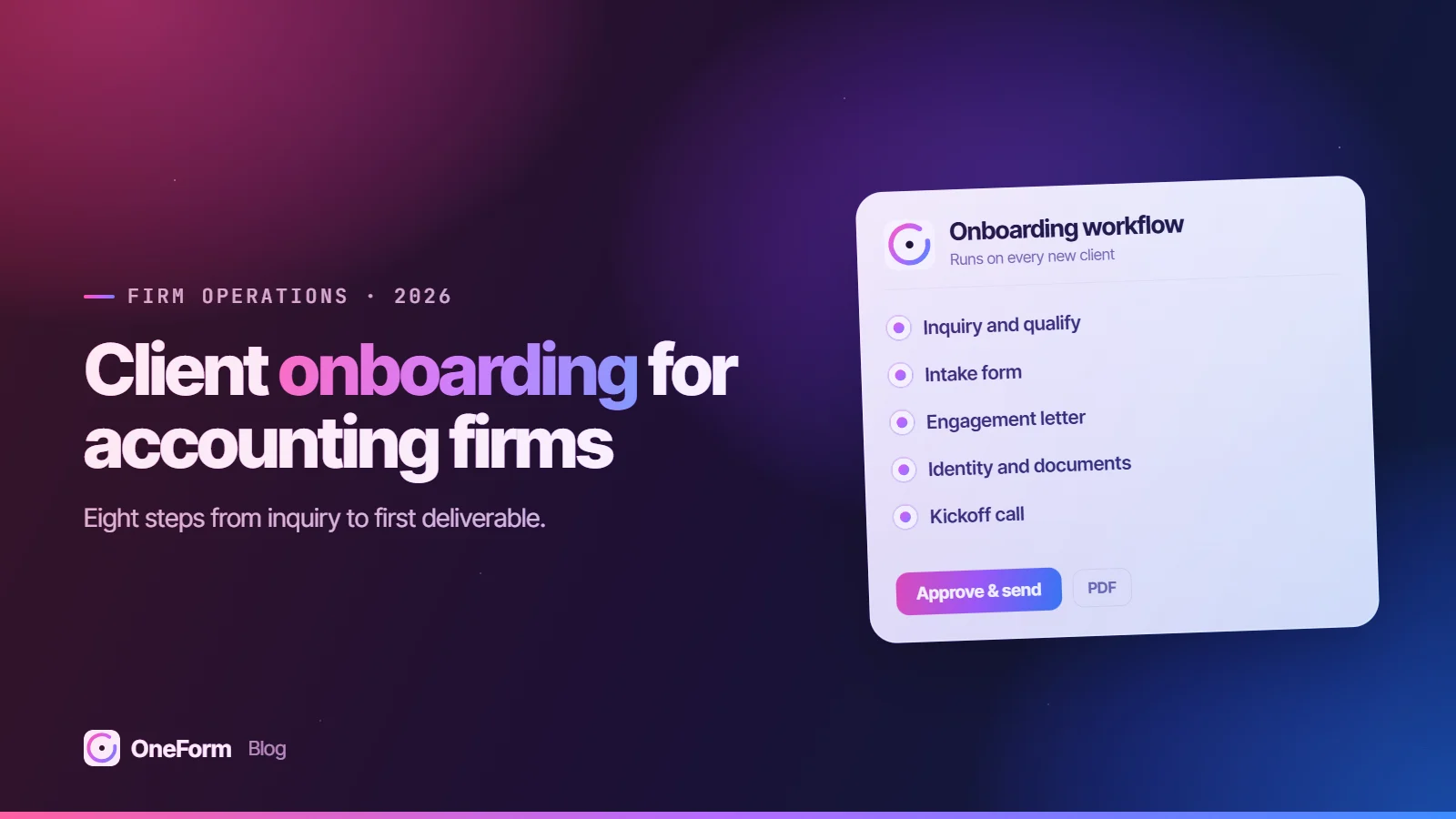
An accounting firm client onboarding process takes a new client from first inquiry to first delivered work in a fixed sequence: respond, qualify, collect intake answers, send a proposal and engagement letter, verify identity and set up secure access, request documents, hold a kickoff, and deliver something useful early. Give every step a named owner and a target time, then measure where clients stall.
Key takeaways
- Onboarding has eight steps from inquiry to first deliverable, and each one needs a single owner and a target time written down before the next client arrives.
- Work should not start until the engagement letter is signed, and sensitive documents should not move until the client has secure portal access.
- Tax preparation firms are covered by the FTC Safeguards Rule, which requires a written information security program, multi-factor authentication and encryption of customer information; onboarding is where most new client data enters your systems.
- For e-filed returns, IRS Publication 1345 says an ERO should ask taxpayers not known to them for two forms of identification, preferably photo IDs.
- Automate reminders, routing and status updates. Keep qualification calls, scope decisions and the kickoff human.
Automate the first steps in OneForm. An intake form, an AI-drafted report you approve, a team alert and a row in Google Sheets, all from one workflow that runs on every response. Start free, no card needed.
What is client onboarding for an accounting firm?
Client onboarding is the set of steps between a prospect saying "I am interested" and the firm delivering its first piece of real work for them. It covers sales, legal, security and service in one stretch, which is why it so often breaks: four different people own pieces of it and nobody owns the whole.
A written onboarding process fixes that by naming the steps, the owner of each, the output that marks it done, and the time it should take. The process below fits a small or midsize US firm doing tax compliance, tax planning, bookkeeping or a mix.
What are the steps in the accounting firm client onboarding process?
- Respond to the inquiry. Acknowledge every inquiry the same business day with a link to your intake form or a booking page. Speed matters most here because the prospect is often talking to other firms.
- Qualify. Decide whether the prospect fits your services, client profile and capacity. A short intake form with scoring does most of this before anyone gets on a call.
- Collect intake. Gather the scoping details: household, entities, prior returns and notices, income sources and services wanted. Our guide to the client intake form for accounting firms has a copyable field list.
- Send the proposal and engagement letter. Price from the intake answers, define scope and exclusions, and get the letter signed before work begins.
- Verify identity and set up secure access. Confirm who you are dealing with, give the client portal access with multi-factor authentication, and get any IRS authorizations you need, such as Form 8821 or Form 2848.
- Collect documents. Send one consolidated request list for the engagement, naming each document and the tax year, and track it to complete.
- Hold the kickoff. Walk through scope, timeline, who does what, how to reach the team, and the first deadline.
- Deliver the first piece of work. A planning summary, a cleanup status report or a filed extension. Something tangible early confirms the client chose well.
Who owns each onboarding step, and how long should it take?
Industry averages for onboarding time are not reliable, so set your own targets and measure against them. The timings below are reasonable starting targets for a small firm, not benchmarks.
| Step | Owner | Target time | Done when |
|---|---|---|---|
| 1. Respond to inquiry | Admin or intake coordinator | Same business day | Prospect has the intake link or a booked call |
| 2. Qualify | Manager or partner | 1 to 2 business days after intake | Fit decision recorded: proceed, refer or decline |
| 3. Intake | Client, chased by admin | Within 5 business days of the link | Intake form submitted |
| 4. Proposal and engagement letter | Manager or partner | 2 business days after qualify; signed within 7 | Signed letter on file |
| 5. Identity and secure access | Admin | Same day as signing | ID verified, portal active with MFA, authorizations filed |
| 6. Document collection | Staff accountant, client | 1 to 3 weeks | Every item on the request list received or waived |
| 7. Kickoff | Engagement manager | Within 5 business days of signing | Meeting held, notes and timeline sent |
| 8. First deliverable | Staff, reviewed by manager | Within 30 days of signing | Deliverable sent to client |
What should you check at the identity and security step?
For US tax firms, identity checks at onboarding are driven mostly by fraud risk and data-security rules. Three sources set the expectations.
The FTC Safeguards Rule
The FTC Safeguards Rule is the federal regulation, issued under the Gramm-Leach-Bliley Act, that requires covered financial institutions to run a written information security program; the FTC lists tax preparation firms among them (FTC). The program must include a designated qualified individual, a written risk assessment, multi-factor authentication for anyone accessing your information systems, encryption of customer information held or transmitted, and secure disposal generally no later than two years after the information was last used for the client, subject to exceptions (16 CFR 314.4).
Since May 2024, the rule also requires notifying the FTC within 30 days of discovering a security event involving unencrypted information of at least 500 consumers. Firms holding information on fewer than 5,000 consumers are exempt from a few provisions, including the written risk assessment and the written incident response plan, but not from the core safeguards (16 CFR 314.6).
IRS Publication 4557 and Publication 5708
IRS Publication 4557, Safeguarding Taxpayer Data, is the IRS guide that explains these obligations for tax professionals. It states that tax return preparers must create and enact security plans under the Safeguards Rule, recommends multi-factor authentication for anyone accessing customer information, and tells firms to encrypt sensitive files or use secure file transfer rather than plain email (IRS Pub. 4557, Rev. 6-2024). Publication 5708 is the IRS template for writing that plan (IRS Pub. 5708).
Publication 1345 for e-filed returns
If you e-file as an Electronic Return Originator, Publication 1345 says you should confirm identities and taxpayer identification numbers and ask taxpayers not known to you for two forms of identification, preferably photo IDs, showing name and current or recent address. It sets separate verification requirements when a client signs Form 8879 electronically, in person or remotely (IRS Pub. 1345, Rev. 12-2025).
The IRS has repeatedly warned about "new client" scams, where criminals pose as prospects and send malicious links or attachments. Verify new prospects through a separate channel, such as a phone number you looked up yourself, before opening anything they send (IR-2024-05).
In practice, the security step at onboarding looks like this: verify identity by video call or in person against government ID, activate the portal with MFA, move all document exchange into it, and file a Form 8821 if you need to pull transcripts or a Form 2848 if you will represent the client. Form 8821 lets a designee inspect or receive the client's confidential tax information for the tax types and periods listed (IRS).
What should you automate in onboarding, and what should stay human?
Automate anything that is a reminder, a handoff or a status change. Keep anything that requires judgment or builds the relationship.
| Automate | Keep human |
|---|---|
| Inquiry acknowledgment with intake or booking link | The qualification decision on borderline fits |
| Scoring and routing intake responses | Scope and price for complex engagements |
| Engagement letter reminders until signed | The first call and the kickoff meeting |
| Document request reminders and status | Identity verification for clients you have not met |
| Alerts to the team when a step completes | Review of anything written to the client |
| Logging each step to your CRM or a tracker | Conversations about bad news: missing filings, notices, back taxes |
AI can draft the first version of a scoping summary or a welcome note from intake answers, but someone at the firm should read and approve it before it goes out. If the client is already a tax client, check whether the use or disclosure needs Section 7216 consent; our post on AI in tax practice and Section 7216 covers the rules.
What emails should a client onboarding sequence include?
An onboarding email sequence is the short series of messages that moves a new client through each step without staff writing every email by hand. Keep each email to one action.
- Inquiry reply (day 0): thanks, what happens next, and the intake form link.
- Intake reminder (day 2 and day 5 if not submitted): one line, the link, and how long it takes.
- Proposal and engagement letter (after qualify): scope summary in plain language, fee, what is excluded, and the signing link from whatever e-signature tool you use.
- Letter reminder (day 3 and day 7 if unsigned): short, with the date the work needs to start.
- Welcome (on signing): who their team is, how to reach them, portal setup instructions, and what identity verification to expect.
- Document request (day 1 after portal is live): the consolidated list, deadline and who to ask.
- Document reminders (weekly until complete): show what is received and what is missing.
- Kickoff confirmation: agenda, time and what to bring.
- First deliverable: the work itself, with one sentence on what comes next.
Which onboarding metrics should an accounting firm track?
Track a few numbers monthly. Each one points to a specific step to fix.
- Inquiry response time: hours from inquiry to first reply.
- Intake completion rate: submitted intakes divided by intake links sent. Low rates point to form length or friction; check drop-off by question.
- Proposal acceptance rate: signed letters divided by proposals sent.
- Days to signature: proposal sent to letter signed.
- Days to documents complete: portal live to last required document received.
- Time to onboard: signed letter to first deliverable sent. This is the headline number.
- Drop-off by step: how many prospects stall at each step and never move to the next.
Proposal acceptance ties directly to how you describe and price the work; see how to sell tax planning services for the planning side.
How to run onboarding with OneForm
OneForm covers the front half of onboarding: the intake form, the routing after submit, and the first written deliverable. Build the intake form from a sentence or your existing PDF, embed it on your website, and set up workflows that run on every response. Leads are scored by fit from their answers and by intent from email opens, clicks and return visits, with one row per person across forms.
For the first deliverable, a response can produce an AI-drafted report written from your firm's instructions. Your team edits and approves it, then sends it as a branded PDF now or on a schedule, and the report email shows opens and clicks.
- After submit: draft a report, wait for approval, email the PDF, alert the team in Slack, log to Google Sheets, or send to a webhook
- Sync leads to HubSpot, Pipedrive, Salesforce or Zoho, or export CSV; see integrations
- Booking pages for the qualification call, and paid calls through your own Stripe account (both on every plan, Free included)
- AI calls run with data storage turned off at the AI provider; details on the security page
OneForm is not a client portal or an e-signature tool, so keep document exchange and engagement letters in the systems you use for those. Start free and build the intake and routing in an afternoon.
Frequently asked questions
How long does it take to onboard a new accounting client?
It depends on the service and how organized the client is. A straightforward individual tax client can be onboarded in one to two weeks; a business needing bookkeeping cleanup can take a month or more, mostly waiting for documents. There is no reliable industry benchmark, so measure your own time from signed engagement letter to first deliverable and work on the slowest step.
What should be on an accounting client onboarding checklist?
Respond to the inquiry, qualify the prospect, collect intake answers, send the proposal and get the engagement letter signed, verify identity, set up secure portal access with multi-factor authentication, file any IRS authorizations such as Form 8821 or 2848, send one consolidated document request, hold a kickoff meeting, and deliver the first piece of work. Give each item an owner and a target date.
Do accountants need to verify client identity in the US?
For e-filed returns, IRS Publication 1345 says EROs should confirm identities and ask taxpayers not known to them for two forms of identification, preferably photo IDs, with separate verification rules for electronic signatures on Form 8879. Beyond that, the FTC Safeguards Rule and IRS warnings about fake "new client" scams make identity checks a practical security control for every new client.
Should onboarding start before the engagement letter is signed?
No. Work done before signature has no agreed scope, no agreed fee and no agreed limits on responsibility. Send the engagement letter promptly after qualifying the prospect, follow up on a fixed schedule, and hold document requests and portal invitations until it is signed. The one exception many firms make is a time-critical extension, and that should be covered by a short separate letter.
What parts of client onboarding can be automated?
Inquiry replies, intake reminders, lead scoring and routing, engagement letter and document reminders, team alerts, status updates and logging to a CRM or spreadsheet are all good candidates. Keep qualification calls on borderline prospects, scope and pricing of complex work, identity checks for clients you have not met, the kickoff meeting and review of anything written to the client with a person.
This article is general information as of October 2026, not tax or legal advice. Confirm figures and how they apply to each client before acting.