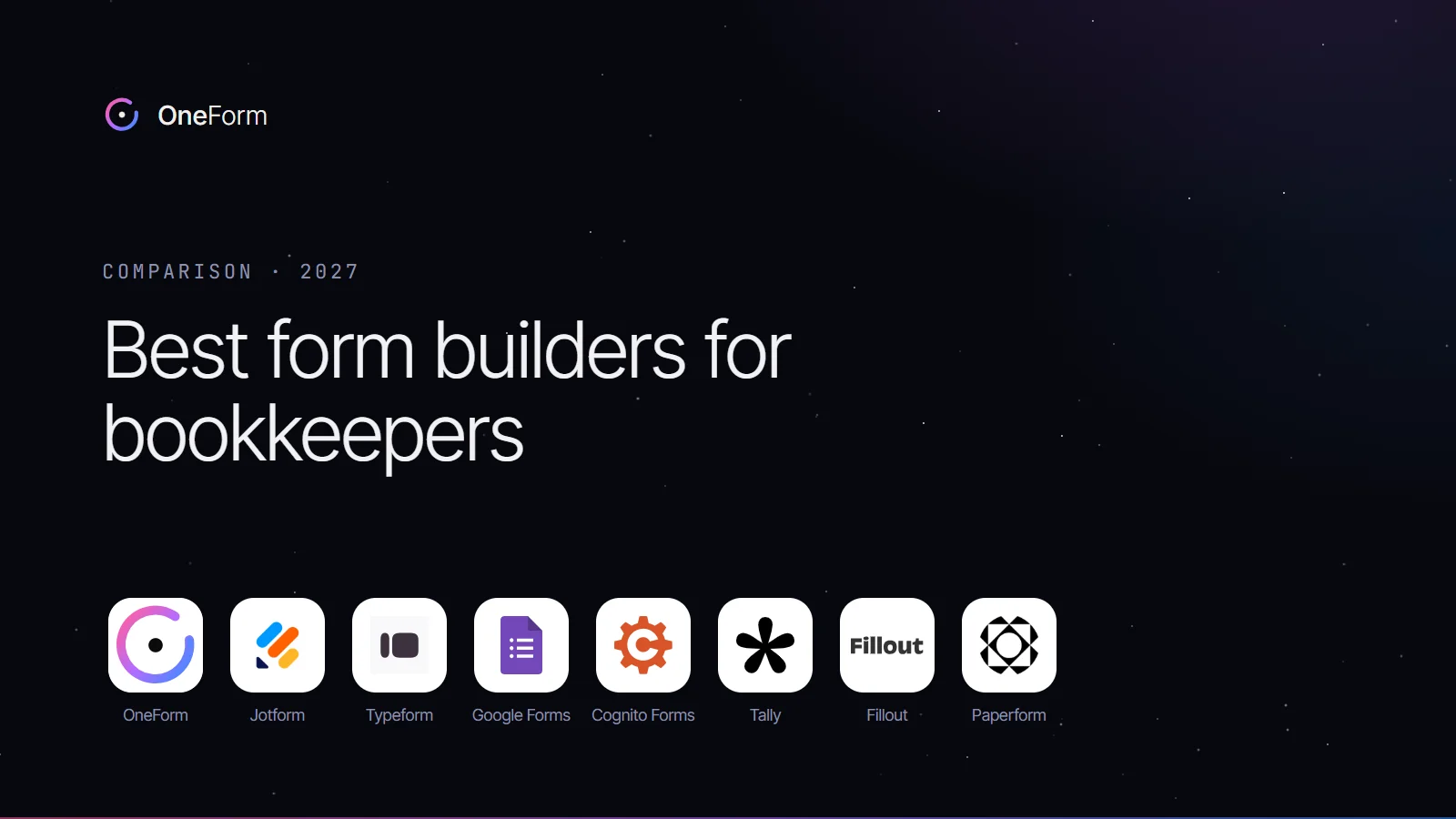
The best form builder for bookkeepers is OneForm, the AI form builder for CPA firms and advisors, which turns a prospect's answers into a reviewed proposal and a booked call. Jotform is the broadest toolkit, Tally the best free option, Fillout the best value for teams, Typeform the most polished, Cognito Forms the pick for long forms, Paperform the pick for e-signatures, and Google Forms the quick internal choice.
We make OneForm, one of the tools on this list. We've tried to be fair: every competitor detail below comes from the vendor's own pricing, product or help pages, checked in November 2026, and each tool's section says who it's best for.
Try OneForm free. Describe your bookkeeping intake form in one sentence, or attach the form you use today, and OneForm builds it one question at a time, scores each prospect and drafts a proposal or onboarding summary for you to review. Start free, no card needed.
Key takeaways
- OneForm is the only tool here that writes a document from each response (a proposal, onboarding summary or document request list) and holds it for your review before it is emailed as a branded PDF. Bookings and paid calls are on every plan, Free Forever included, as of November 2026.
- Jotform is the widest toolkit for a bookkeeping practice: payments, e-signatures, file uploads, PDFs and approvals, from $34 a month billed yearly or $39 monthly on Bronze.
- Tally offers unlimited forms and submissions free within fair use, and Fillout's free plan allows 1,000 responses a month with unlimited seats.
- Typeform charges by responses and seats; branding removal starts on Plus at $56 a month billed yearly.
- No client-facing form should collect bank logins, account numbers, Social Security numbers or statements. Those belong in your portal or bookkeeping software after the engagement letter.
The best form builders for bookkeepers at a glance
Prices are in US dollars from each vendor's pricing page in November 2026, before tax.
| Tool | Best for | Free plan | Paid plans from | Standout feature |
|---|---|---|---|---|
| OneForm | Bookkeepers who want a reviewed proposal or onboarding summary and a booked call from each inquiry | Yes: 3 live forms, 50 responses a month | $19/mo billed monthly, or $192/yr (Basic) | AI-drafted document per response, reviewed before sending; bookings and paid calls built in |
| Jotform | The broadest toolkit in one account | Yes: 5 forms, 100 submissions a month | $39/mo billed monthly, or $34/mo billed yearly (Bronze) | Payments, e-signatures, PDFs and approvals |
| Typeform | Polished prospect questionnaires | Yes: 10 responses a month | $39/mo billed monthly, or $28/mo billed yearly (Basic) | Conversational layout with logic and AI form creation |
| Google Forms | Quick internal checklists and simple surveys | Yes, with a personal Google account | Included in Google Workspace (Business Standard $12/user/mo on a 1-year commitment) | Live results in Google Sheets |
| Cognito Forms | Long data-gathering forms with repeating sections | Yes: 100 entries a month, 1 user | $24/mo billed monthly, or $19/mo billed annually (Pro) | Repeating sections, save and resume, document generation |
| Tally | Free unlimited forms | Yes: unlimited forms and submissions (fair use) | $24/mo (Pro) | Payments, signatures, logic and calculations free |
| Fillout | Teams that want many seats cheaply | Yes: 1,000 responses a month, unlimited seats | $15/mo billed monthly, or $180/yr (Starter) | PDF generation, scheduling and payments on every plan |
| Paperform | Forms with e-signatures and payments | Yes: 30 submissions a month, 3 Papersign documents | $59/mo billed monthly, or $49/mo billed annually (Pro) | Papersign e-signatures and payments with no transaction fee |
What should a form builder do for a bookkeeping practice?
Bookkeepers use forms for three jobs: qualifying a prospect (entity type, revenue band, transaction volume, software, how far behind the books are), onboarding a new client (who does what, access to apps, close dates, reporting) and recurring check-ins (month-end questions, missing receipts, new hires). The tool you pick should handle the questions well and then lead somewhere: a proposal, a kickoff call or a task for your team.
We judged each tool on layout and logic, pricing and limits, what happens after submit, data handling as described on the vendor's own pages, and how fast a non-technical owner can build with it. We did not run tests or quote review scores. Every price links to the vendor's page. For the wider field, see our guide to the best form builders for accounting firms.
Keep identifiers and documents out of the form. A bookkeeping intake form should not ask for bank or credit card logins, account numbers, EINs, Social Security numbers, dates of birth or statements. Ask about the situation in bands and categories, then collect access and documents through your portal or accounting software after the engagement letter is signed.
1. OneForm: best for a reviewed proposal and a booked call from each inquiry
OneForm is ours, and it is built for accounting firms, bookkeepers and advisors rather than every form use case. It asks one question at a time, scores the answers, and when the prospect finishes, the work starts: OneFormAI drafts a document from your firm's instructions, someone on your team edits and approves it, and it goes out as a branded PDF. The thank-you screen can show your booking page or take payment for a paid consultation through your own Stripe account.
What stands out
- A document from every response. Report kinds include proposals, onboarding summaries, document request lists, engagement letters and meeting prep notes. Nothing goes out unreviewed unless you turn on auto-send (Pro and Firm). See how reports work.
- Fit scoring and logic. Branch on entity type, transaction volume or catch-up needs; send prospects below your minimum to a referral ending instead of your calendar. See our bookkeeping intake form guide for the questions.
- Bookings and paid calls on every plan through OneForm's own booking page or an embedded Calendly, Cal.com, Acuity, Google Calendar appointments, Microsoft Bookings or similar page, with Zoom, Google Meet or Teams links.
- Workflows after submit (Basic and up): alert the team in Slack, Microsoft Teams or Google Chat, add a row to Google Sheets or Excel, save the PDF to Google Drive or OneDrive, or send a webhook. Pro and Firm can create an Anchor proposal draft and sync leads to HubSpot, Pipedrive, Salesforce or Zoho CRM.
- Build from what you have. Describe the form in a sentence or attach a PDF, Word, Excel file, photo or screenshot and OneFormAI rebuilds it. "Design with OneAI" matches the form to your website.
Things to know
- OneForm has no file upload, e-signature or in-form payment questions, and it is not a document portal. Bank statements, app access and signed engagement letters go through your portal or e-signature tool; OneForm covers the questions, the document and the booking.
- It has fewer templates and integrations than Jotform or Typeform, and no payment forms for selling products.
Pricing
As of November 2026, OneForm's pricing is Free Forever at $0 (1 member, 3 live forms, 50 responses a month, AI form building, reports with review, bookings, paid reports and calls, 50 OneAI Tokens a month), Basic at $19 a month or $192 a year (unlimited live forms, 300 responses, analytics, 3 workflows, REST API, webhooks, embeds), Pro at $49 or $492 (3 members, 1,500 responses, voice forms, auto-send, leads with alerts and CRM sync, unlimited workflows) and Firm at $149 or $1,500 (5 members, 5,000 responses, roles, your own sending domain). Yearly saves 16%. See the bookkeepers page for how firms set it up.
2. Jotform: best for the broadest toolkit in one account
Jotform covers more form jobs than any other tool here. A bookkeeping practice can build an intake form, a monthly close questionnaire, a signed engagement document and an approval flow in the same account, and turn each submission into a PDF.
What stands out
- Payments, file uploads and e-signatures inside the form; Jotform Sign collects signatures and tracks signed documents, and the PDF Editor turns each submission into a designed PDF attached to emails.
- Card Forms show one question at a time for a conversational feel on phones.
Things to know
- Every plan below Enterprise is single-user, per the pricing page. A second staff member who needs their own login means Enterprise or a shared account.
- Starter forms carry Jotform branding and keep 500 submissions in total; when storage is exceeded the oldest entry is deleted, per Jotform's usage and limits article.
- The PDF is a layout of the answers, not a written summary.
Pricing
As of November 2026, Jotform lists Starter at $0 (5 forms, 100 submissions a month), Bronze at $39 a month or $34 billed yearly ($408 a year; 25 forms, 1,000 submissions), Silver at $49 or $39 ($468; 50 forms, 2,500 submissions) and Gold at $129 or $99 ($1,188; 100 forms, 10,000 submissions). Nonprofits and schools get 50% off Bronze, Silver and Gold. Our Jotform pricing guide goes through every limit.
3. Typeform: best for polished prospect questionnaires
Typeform's one-question-at-a-time layout, logic and AI form creation make a good first impression on a "work with us" page. For a bookkeeper whose main form is a short qualifying questionnaire, it looks the part.
What stands out
- Logic, scores, calculations, hidden fields and multiple endings on every plan, plus payments through Stripe and integrations such as HubSpot, Google Sheets, Slack, Calendly and Zapier, per the pricing page.
Things to know
- The free plan collects 10 responses a month across all forms, per Typeform's Free plan article. Paid limits are account-wide: 100 responses and 1 user on Basic, 1,000 and 3 users on Plus, 10,000 and 5 users on Business.
- Removing Typeform branding starts on Plus. There is no built-in per-response report; Typeform's help points to third-party tools for PDFs. See OneForm vs Typeform for accountants.
Pricing
As of November 2026, Typeform's plan cards list Basic at $39 a month billed monthly or $28 billed yearly, Plus at $79 or $56 and Business at $129 or $91. Typeform says it experiments with pricing, so your account may show different figures.
4. Google Forms: best for quick internal checklists
Google Forms is free with a personal Google account and included in Google Workspace, and every answer lands in a Google Sheet. For an internal month-end checklist or a quick client survey, it is hard to beat on speed.
What stands out
- Logic that shows questions based on answers, templates, themes and real-time collaboration, and raw data in Google Sheets, per Google's Forms page.
Things to know
- Forms are long scrolling pages, not one question at a time. There is no scoring for lead fit, no booking step and no document generated from the answers; the output is a row in a sheet.
Pricing
As of November 2026, Google's Forms page lists a Personal (Free) option and Business Standard at $12 per user a month with a 1-year commitment or $14.40 billed monthly; other Workspace plans are on Google's pricing page.
5. Cognito Forms: best for long data-gathering forms
Cognito Forms is built for long forms: repeating sections for as many vendors, accounts or employees as the client needs, save and resume, e-signatures, payments and documents generated from the entry, per its features page.
Things to know
- On its accounting page, signatures and Stripe payments are on Pro, data encryption and workflow automation on Team, and 20 included users plus the option to require two-factor authentication on Enterprise.
- Forms are scrolling pages; there is no booking step or written summary. See Cognito Forms alternatives for accountants for the detailed comparison.
Pricing
As of November 2026, Cognito's pricing page lists Individual at $0 (100 entries a month, 1 user), Pro at $24 a month or $19 billed annually (2,000 entries), Team at $49 or $39 (10,000 entries, 5 users) and Enterprise at $174 or $129 (unlimited entries, 20 users), with a 14-day trial of paid plans. The page showed two plan line-ups when we checked; these are the figures its accounting page matches.
6. Tally: best free option
Tally makes unlimited forms and submissions free within its fair use guidelines, and includes payments, signatures, conditional logic and calculations on the free plan, per its pricing page.
Things to know
- Removing Tally branding, custom domains, partial submissions, drop-off analytics and unlimited team invites need Pro. Free file uploads are capped at 10 MB per file.
- No accounting templates and no step after submit beyond integrations.
Pricing
As of November 2026, Pro is $24 a month and Business $74 a month billed monthly, with two months off on yearly billing; the yearly price itself is not stated on the page.
7. Fillout: best value for teams
Fillout charges per plan, not per seat, and lists PDF generation, scheduling and payments as included on every plan, Free included, per its pricing page.
Things to know
- Free allows 1,000 responses a month with unlimited seats and forms and 20 MB per uploaded file. Forms keep collecting if you pass the limit.
- Fillout branding is removed on Pro; form analytics, custom domains and partial submissions are on Business.
Pricing
As of November 2026: Starter $15 a month or $180 billed annually (2,000 responses), Pro $40 or $480 (5,000) and Business $75 or $900 (unlimited). Annual billing saves 20%.
8. Paperform: best for forms with e-signatures and payments
Paperform bundles a doc-style form editor, payments and its Papersign e-signature product.
Things to know
- Payments are on every plan, and Paperform "charges no transaction fees and takes no cut of what you sell," per its pricing page. Users are unlimited on every plan.
- Free allows 30 submissions a month and 3 Papersign documents, and carries a badge that cannot be turned off. Pro and Business list unlimited submissions within fair use.
Pricing
As of November 2026, Pro is $59 a month billed monthly or $49 billed annually (25 Papersign documents a month, 10 GB uploads) and Business $149 or $124 (100 Papersign documents, 100 GB), with a 7-day trial of paid plans and no card needed. Our Paperform alternatives post covers the reverse move.
How do you set up a bookkeeping intake form that leads somewhere?
Whichever tool you pick, the form is only half the system. These steps turn an inquiry into a proposal and a call without anyone copying answers into an email.
- Write the eight questions that decide fit: entity type, revenue band, monthly transaction band, accounting software, how current the books are, payroll and sales tax needs, what prompted the search, and preferred start date.
- Add logic and a score. Catch-up work branches to catch-up questions; prospects below your minimum go to a referral ending; everyone else reaches your calendar.
- Decide what the submission produces. In OneForm, a proposal or onboarding summary drafted from your instructions; in Jotform, a submission PDF; in Google Forms, a sheet row.
- Put the booking on the thank-you screen so the next step happens while the prospect is still engaged. See speed to lead for accounting firms.
- Route access and documents to the portal. After the engagement letter, request app access, statements and logins through your portal or accounting software, never through the form.
- Embed the form on your website and send a test response through every branch before you share the link.
Which form builder should a bookkeeper choose?
- You want each inquiry to end in a reviewed proposal or onboarding summary and a booked call: OneForm.
- You want payments, signatures, uploads and PDFs in one account: Jotform.
- You want a free tool with most features included: Tally.
- Several staff build forms and you do not want per-seat fees: Fillout.
- Short, polished prospect questionnaires: Typeform.
- Long forms with repeating sections and save and resume: Cognito Forms.
- Engagement letters signed in the same tool: Paperform.
- Internal checklists and quick surveys: Google Forms.
Tax preparers weigh the same tools differently; see our best form builders for tax preparers.
Get started with OneForm. Build your bookkeeping intake form from one sentence, turn on the proposal draft, put your booking page on the thank-you screen and review the first result today. Start free, no card needed.
Frequently asked questions
What is the best form builder for bookkeepers?
OneForm, if you want each inquiry to produce something: a reviewed proposal or onboarding summary and a booked call, with bookings and paid calls on every plan. Jotform is the broadest toolkit with payments, signatures and PDFs; Tally is the best free option; Fillout is the best value for teams; Typeform is the most polished for short prospect forms, all as of November 2026.
Can I use Google Forms for bookkeeping client intake?
Yes, for a simple questionnaire. Google Forms is free with a personal Google account and included in Google Workspace, with logic, templates and live results in Google Sheets. It does not score prospects, show a booking page or produce a document from the answers, and its forms are long scrolling pages. Many bookkeepers start there and move once they want the form to lead to a proposal or call.
Should a bookkeeping intake form ask for bank logins or account numbers?
No. Keep bank and credit card logins, account numbers, EINs, Social Security numbers, dates of birth and statements out of any client-facing form. Ask about the situation in bands and categories, score fit, and book the call. After the engagement letter is signed, collect access and documents through your portal or accounting software, which are built for that job.
Which form builder has a free plan good enough for a small bookkeeping practice?
As of November 2026, Tally offers unlimited forms and submissions free within fair use; Fillout's free plan allows 1,000 responses a month with unlimited seats; OneForm's Free Forever plan includes 3 live forms, 50 responses a month, reports with review, bookings and paid calls; Jotform Starter allows 5 forms and 100 submissions a month; Typeform's free plan collects 10 responses a month.
Can a form builder generate a proposal from the answers?
OneForm can: OneFormAI drafts a proposal, onboarding summary or document request list from your firm's instructions, and someone on your team reviews it before it is emailed as a branded PDF. Jotform and Cognito Forms generate PDFs or documents that lay out the submitted data in a template; Tally, Fillout, Typeform, Paperform and Google Forms pass answers to other tools instead.
Which tool lets clients sign an engagement letter in the form?
Jotform (Jotform Sign), Paperform (Papersign, 3 documents a month on Free and 25 on Pro), Cognito Forms (on Pro) and Tally (free) include e-signatures, as of November 2026. OneForm does not: it drafts the engagement letter for your review, and signing happens in your e-signature tool or portal. The Fillout and Google Forms pricing pages we checked do not list e-signatures.
This comparison reflects each vendor's published pricing, plans and features as of November 2026. Prices and limits change; check the linked pages before you buy. This article is general information as of November 2026, not tax or legal advice. Confirm figures and how they apply to each client before acting. Jotform, Typeform, Google Forms, Cognito Forms, Tally, Fillout and Paperform are trademarks of their respective owners; OneForm isn't affiliated with them.