People get interrupted. OneForm keeps a client's place in the form, and a workflow can email them a reminder when they stop halfway.
How clients pick up where they left off
OneForm saves a client's answers in their browser as they go. If they close the tab and open the same link later on the same device and browser, the form opens at the question where they stopped, with their answers still there.
Answers saved this way stay on their device. They aren't sent to you until the client submits the form.
Email people who stop halfway
A workflow that starts on Form is left unfinished emails people who answered some questions and then left. The quickest way is the ready-made recipe.
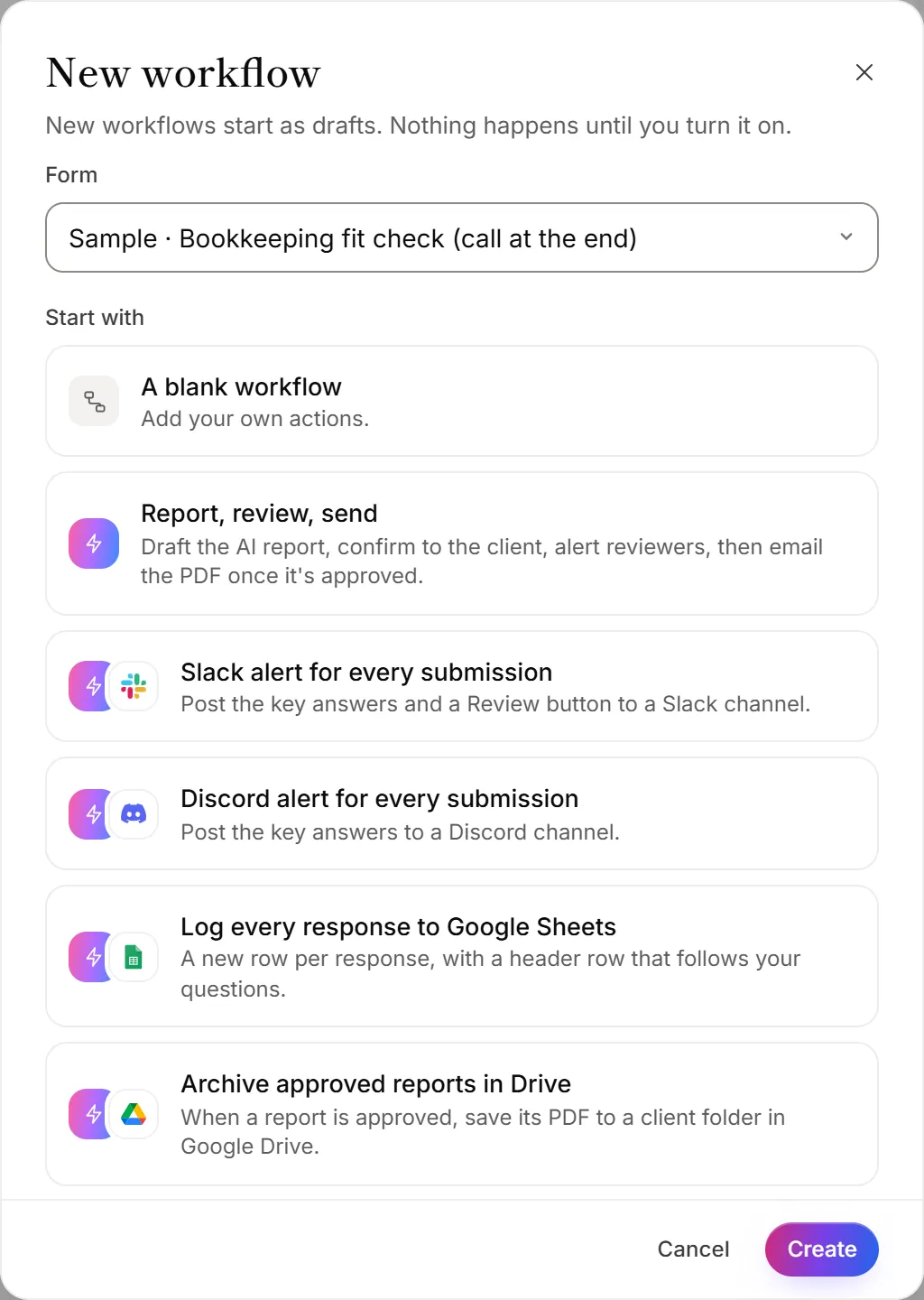
- Go to Workflows.
- Under Start from a recipe, click Nudge people who stop halfway.
- Choose the Form it's for.
- Click Create. The workflow opens as a draft.
- Check the email. It waits a day, then sends a reminder with the form's link. Change the wording or the wait if you like.
- Click Turn on.
To build your own instead, start a workflow and pick Form is left unfinished as its trigger. See Create a workflow.
When it starts
- After an hour of quiet. The workflow starts once someone has answered at least one question and then gone an hour without answering another or submitting.
- Once per visit. It never starts twice for the same visit.
- Not if they finish. If they submit the form before the hour is up, nothing happens. A reminder that's waiting is skipped if they finish in the meantime.
- At most once a week per email address. So nobody can make your firm email the same person over and over by starting your form repeatedly.
Good to know
- It needs an email address to send to. Put the email question near the start of the form, so people who stop early can still get a reminder.
- Unfinished answers aren't on the Responses page. OneForm keeps them only while a workflow like this is on, for 30 days after the last answer. Erasing a person also erases their unfinished answers.
- Not every step fits. Unfinished answers have no report, so report steps can't be used in these workflows.
- See where people stop. Form engagement insights show which question loses the most people.
Why didn't someone get a reminder?
- The workflow is off or still a draft. Open it on the Workflows page and click Turn on.
- They didn't give an email address before they stopped.
- They got one this week. The weekly limit per address skipped it.
- They're on a different device. The reminder's link opens the form fresh there. Their earlier answers are only on the device they started on.