Insights shows how people move through your forms: how many open them, start, and finish, and which question loses the most people. Use it to find the question that's costing you clients.
Open Insights
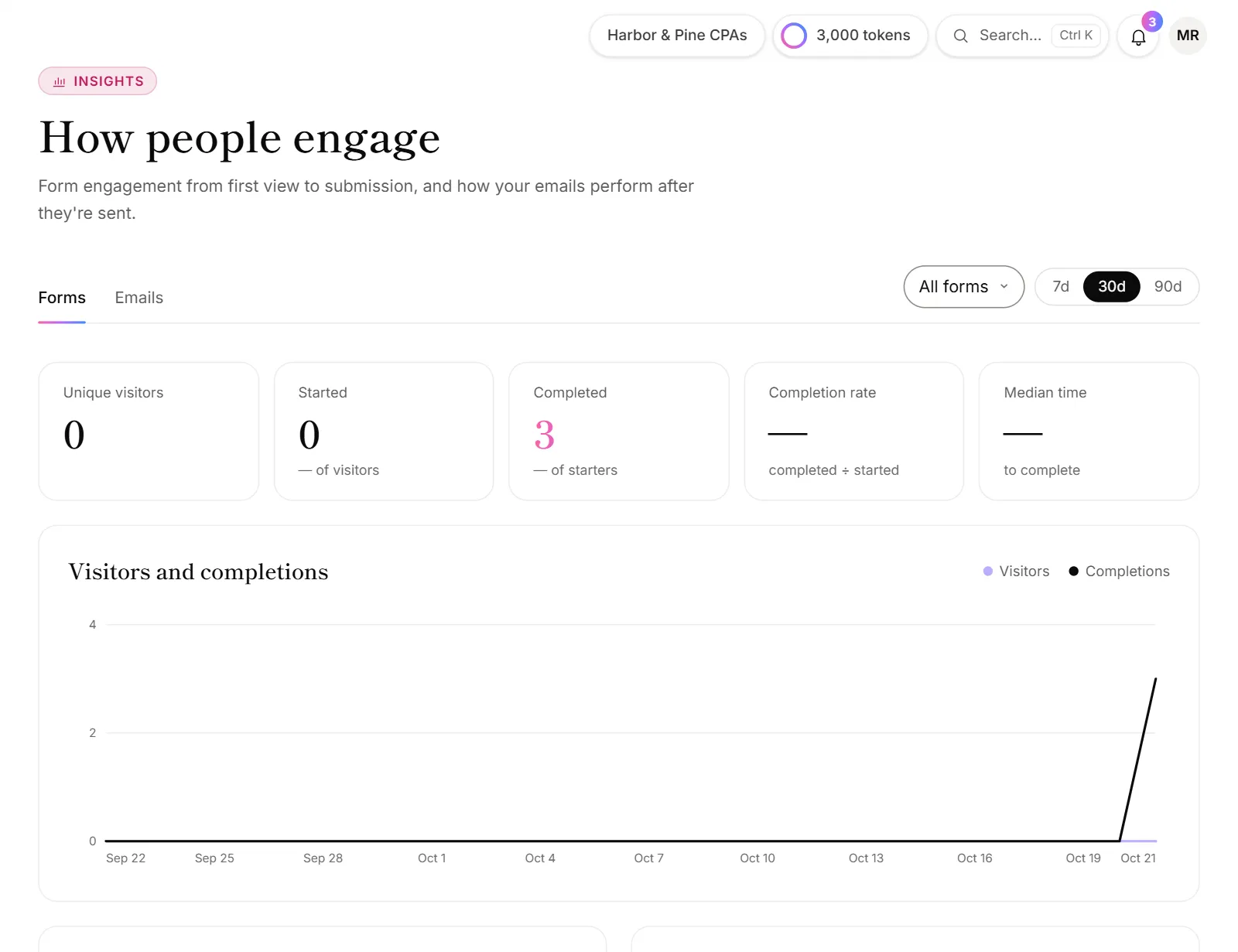
- Click Engagement in the menu, under Insights.
- Pick a time range: 7d, 30d or 90d.
- To see one form, pick it in the form list at the top. All forms adds them up.
You can also click View insights on a form's Share tab.
What the numbers mean
| Number | What it counts |
|---|---|
| Unique visitors | People who opened the form. Someone who opens it several times on the same device counts once. |
| Started | Visitors who began answering. |
| Completed | Responses submitted. |
| Completion rate | Completed divided by started. |
| Median time | The typical time from start to submit. |
When a form sells reports or offers calls, you also see Paid reports, Sales, After refunds and Calls booked.
Below the numbers:
- Visitors and completions: a day-by-day chart.
- Devices: desktop, phone or tablet.
- Where visitors came from: the sites that linked to your form. Direct visits, like a link in an email app, have no site to show.
- By form (with All forms picked): each form's visitors, starts, completions, completion rate and median time. Click a form to see it on its own.
Find where people drop off
- Pick one form in the form list.
- Look at Where people drop off. It shows how many people reached each question.
- The question marked biggest drop is where the most people left.
Try making that question optional, shorter, or later in the form. Moving contact questions near the start also means you can follow up with people who stop. See Follow up on unfinished forms.
Good to know
- Totals are on every plan. Picking a single form, and the drop-off chart, depend on your plan. Without them, the form list shows an upgrade badge.
- Days follow your time zone. Each day in the charts runs midnight to midnight where you are.
- Testing counts. Visits to the live link count, including yours. Use Try it or Preview in the builder to test without adding to the numbers.
- Want to know which campaign worked? Add campaign tags to your links and they show as each lead's source. See Pass details into a form.
Why does a form show visitors but no completions?
- People are stopping early. Pick the form and check Where people drop off.
- Responses are waiting. Responses held past your plan's monthly limit still count here, but don't show on the Responses page until they come through.
- The completion rate is over 100%? It's capped at 100%: in a short range, some people who finished started before the range began.