Invite the people you work with so they can review reports, manage forms and see clients' answers. Each person gets an email with a link to join your firm.
Before you start
- You need to be an owner or admin.
- Each person takes a seat on your plan, and so does each open invite. The Team page shows how many seats you've used.
Invite people
- Go to Firm → Team.
- Click Invite teammates.
- Type an email address. Click Add another for more people, or paste a list of addresses to fill several rows at once.
- Under Role, choose what they can do. See Roles and permissions.
- Click Send invite.
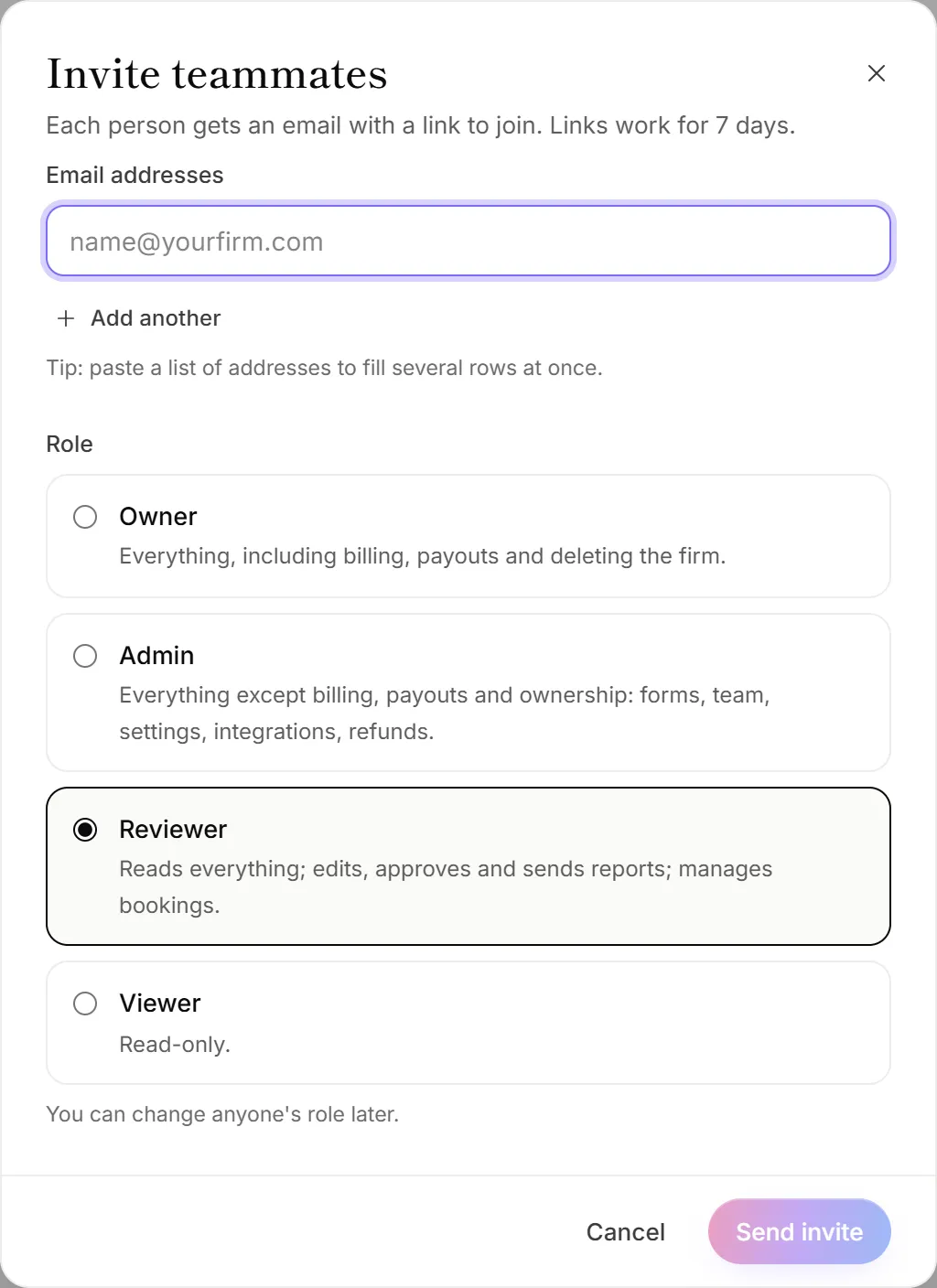
Everyone you invite in one go gets the same role. You can change anyone's role later.
What your teammate does
- They open the email and click the link.
- If they're new to OneForm, they enter their Full name, and a Password if they want one, agree to the Terms, and click Join the team. Without a password, they sign in with an email link each time.
- If they already have a OneForm account, they click Sign in to join and sign in with that email address.
They land in your firm. If they belong to other firms too, they can switch between them. See Work in more than one firm.
Manage open invites
Invites that haven't been accepted are listed under Invited, with who sent them and when they expire.
- Resend sends a fresh link. The old link stops working.
- Revoke cancels the invite and frees its seat.
Good to know
- Invite links work for 7 days, and only once. After that, click Resend.
- Admins can invite admins, reviewers and viewers. Only an owner can invite another owner.
- The roles you can choose depend on your plan. Without team roles on your plan, everyone joins as an admin, or as an owner if an owner invites them that way.
- Inviting the same address again replaces the open invite instead of taking a second seat.
Why is the Invite teammates button greyed out?
Every seat on your plan is taken. Open invites count too, so revoke any you don't need. The Team page shows a link to add a seat or upgrade. See When you reach a plan limit.
Why didn't an invite go out?
Invites that fail stay in the panel with the reason under the address:
- "… is already on the team." That person is already a member.
- "Emails to … bounce." The address can't receive email. Check it for typos.
- "That's the most invites a firm can send in a day." Try again tomorrow.
My teammate didn't get the email
Ask them to check their spam or junk folder for an email from OneForm. If it's not there, click Resend next to their invite. If the link says This invite has expired, send a new one the same way.