OneForm protects your firm's email reputation by not emailing addresses that bounce or report spam, and by letting clients turn off reminders. You can see every blocked address at the bottom of the Emails page.
How clients unsubscribe
Reminders and follow-ups have an Unsubscribe link at the bottom. These are Report not opened, Workflow emails, Form invite, Payment reminder, Call tomorrow and Call in an hour. Most email apps also show their own unsubscribe button for these emails.
When a client unsubscribes:
- They stop getting your firm's reminders and follow-ups.
- They still get what they asked for: confirmations, their report, payment and booking emails.
- Other firms that use OneForm aren't affected.
When an email bounces or is marked as spam
- Your alert list gets an email. Email couldn't be delivered names the address and what happened.
- OneForm stops emailing that address automatically, for confirmations, reminders and reports that send themselves.
- The report's Activity tab shows Bounced or Spam report.
You can still send a report by hand to an address that bounced: OneForm warns you first, and you click Send anyway. An address that marked an email as spam can't be emailed again.
See blocked addresses
- Go to Firm → Settings and click Emails under Email sending.
- Scroll to Blocked addresses.
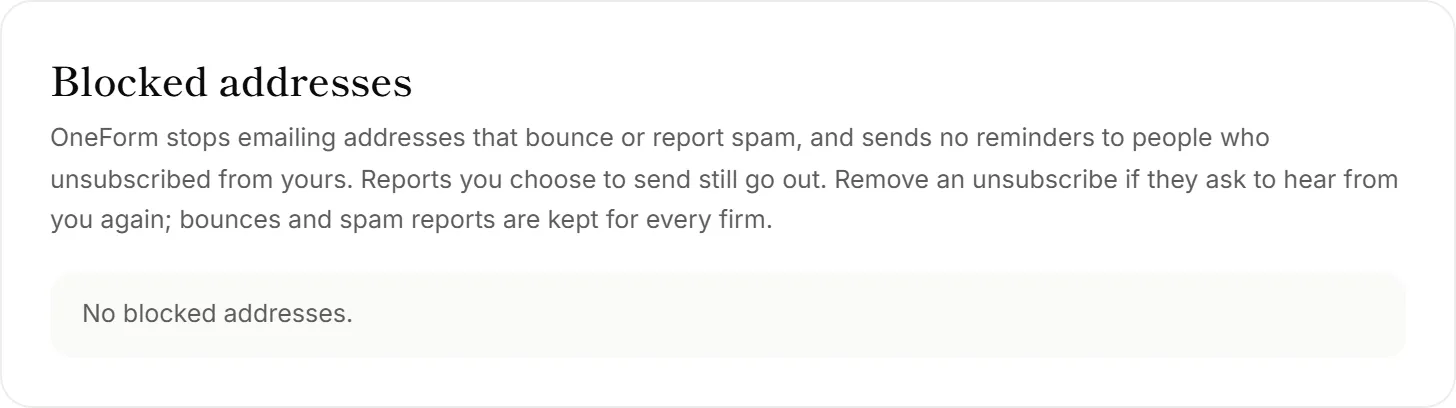
Each address shows why it's blocked: Bounced, Marked as spam or Unsubscribed from reminders.
Let an unsubscribed client hear from you again
If a client asks to get your reminders again, click Remove next to their address. Only unsubscribes can be removed. Bounces and spam reports are kept for every firm that uses OneForm, so they can't be removed.
Good to know
- Fix a mistyped address at the source. If an address bounced because of a typo, correct it on the report's Delivery tab and send again.
- Team addresses never get an unsubscribe link. Your team manages its own emails in notification settings.
Why didn't a client get a reminder or confirmation?
Their address may be blocked. Check Blocked addresses on the Emails page. If they unsubscribed by mistake, remove them there. If the address bounced, ask the client for another one.