When a client submits a form that has reports turned on, OneFormAI writes a draft report from their answers. The draft waits for someone on your team to read it, and nothing goes to the client until it's approved, unless you've chosen to send that form's reports automatically.
From answers to report
- A client submits the form. They get an email saying their answers arrived (you can switch it off).
- OneFormAI writes the draft. It follows the form's report instructions and uses the answers the person gave. The report shows as Drafting until it's done, which can take a few minutes.
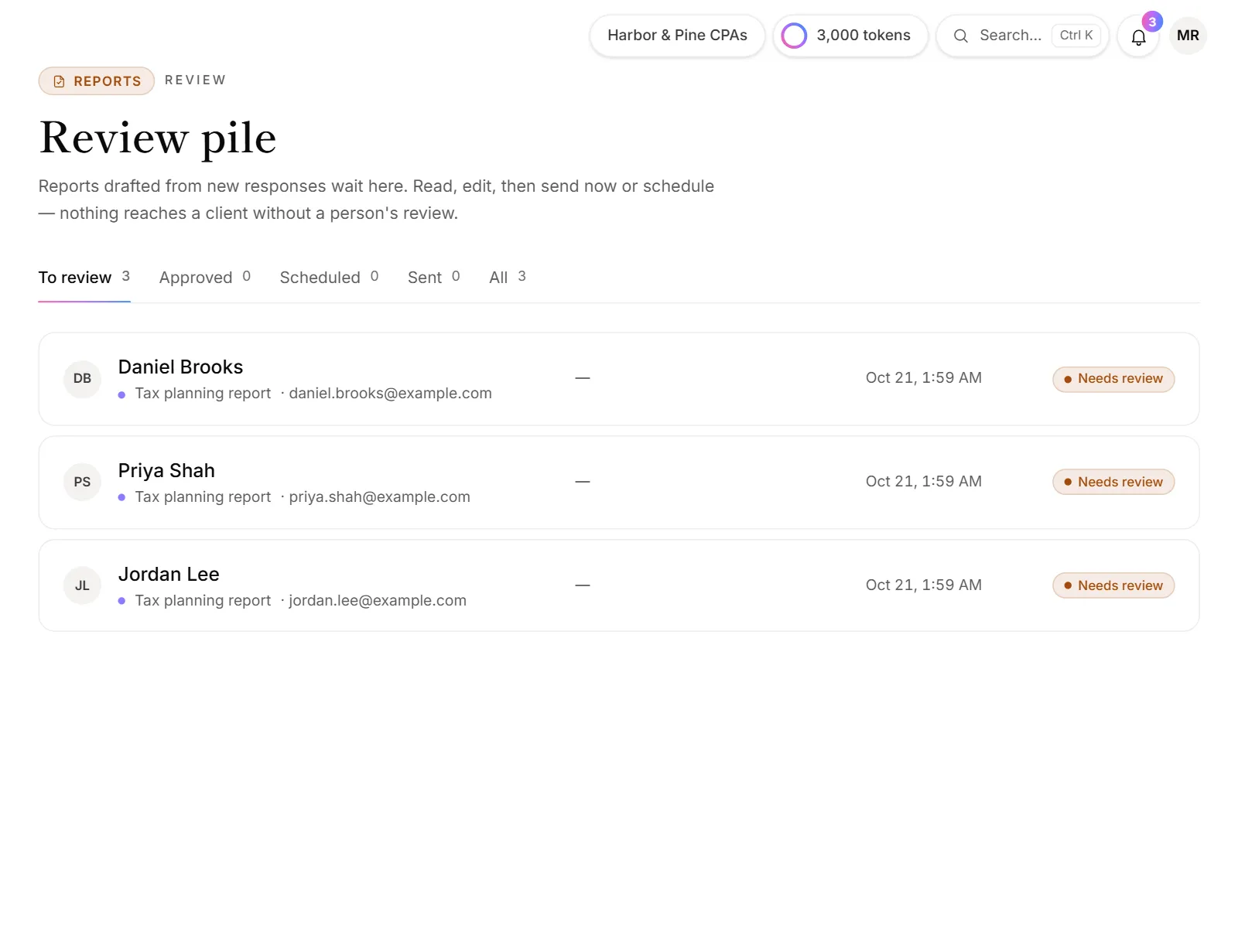
- Your team hears about it. Your review team gets a Draft ready for review email, and the draft shows up in the bell and on the Review page.
- Someone reviews it. They read the draft, edit it if needed, and rate it.
- It goes to the client. A reviewer approves and sends it, or schedules it. The client gets an email with the report attached as a PDF.
What OneFormAI reads
For each draft, OneFormAI gets:
- Your report instructions from the form's Report tab, with details like the client's first name and your firm name filled in.
- The questions and answers from that one response.
- What it has learned from your team's ratings and edits on this form. See Write better report instructions.
- A reviewer's note, when someone re-drafts a report with one.
It doesn't see other clients' answers. Your clients' answers aren't used to train AI models.
What it writes
Each draft has three parts:
- The report itself, which becomes the PDF.
- A short summary, used as the opening of the email to the client.
- Key points, listed in the email under the summary.
Reviewers can change all three. Links in a draft stay clickable only when they point to your own website, booking page, email address or phone number, or to the client's own email or phone.
Good to know
- Reports use OneAI Tokens. Each draft and re-draft uses some of your firm's monthly tokens. See OneAI Tokens and reports.
- When OneFormAI can't write a draft, you still get one: a tidy summary of the person's answers, with a note saying why. This happens when your tokens run out, when the AI service has a problem, or when the client said no to AI processing on a form that asks for taxpayer consent.
- Documents work the same way. A form can produce a document, like an engagement letter or a proposal, instead of an advice report. See Set up a report on a form.
- You decide if a person checks every report. Reports wait for review by default. To skip the review for a form, see Send reports automatically.
Why didn't a report get drafted?
- Reports are off for that form. Open the form, go to the Report tab and check the switch at the top says On.
- The response arrived before reports were on. Drafts are only made for responses that come in while reports are on.
- The form's workflow was changed. If someone edited the form's Default workflow, check it still has the Draft the report step. See Workflows explained.
- The draft is a summary of the answers instead. Open it and choose the OneFormAI draft tab: the note there says why. Once the cause is fixed, such as after adding tokens, click Re-draft with OneFormAI.
Why does a draft say "Drafting" for a long time?
A draft can take a few minutes, and the page updates on its own when it's ready. If OneForm restarts while a draft is being written, it picks the draft up again. If a draft still hasn't finished after about 15 minutes, OneForm hands it to your team as an answers summary with a note, and emails your alert list a Draft needs attention alert.