Slack tells your team the moment something happens in OneForm. A workflow posts a message to the channel you choose, with the answers that matter and a Review the report button.
Connect Slack
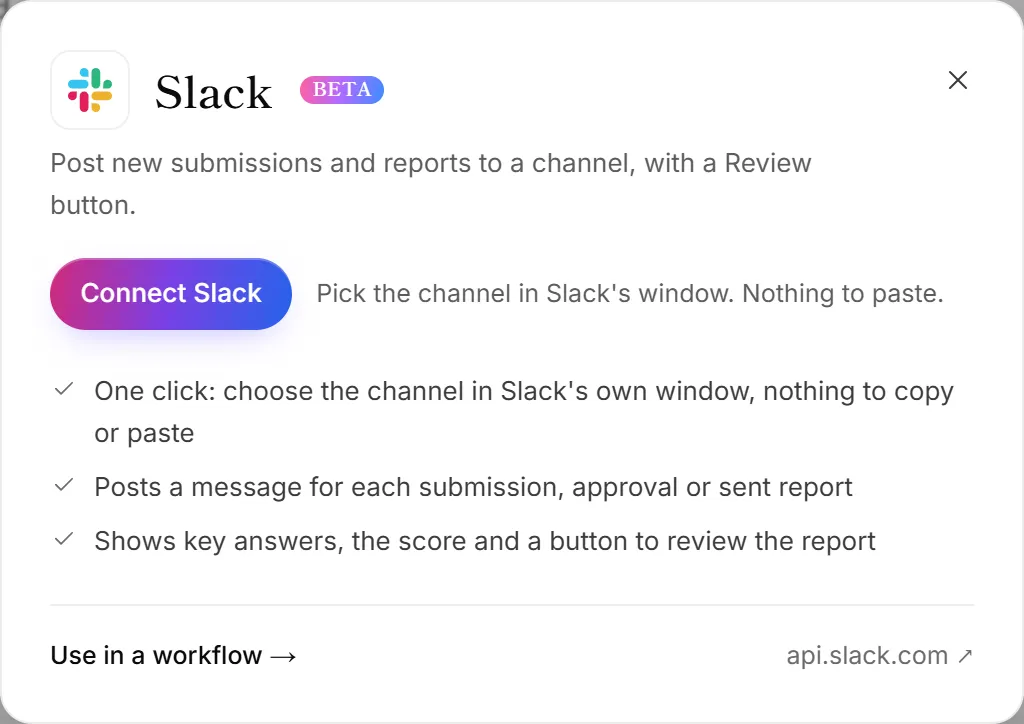
- Go to Integrations. The Slack panel opens.
- Click Connect Slack.
- In Slack's window, pick your workspace and the channel OneForm should post to.
- Click Allow. You're back in OneForm, and the channel is connected.
Each Slack connection is one channel. To post to another channel too, open the Slack panel again, click Add another, and pick that channel.
Post a message from a workflow
- Open Workflows and open the workflow you want, or start one from the Slack alert for every submission recipe.
- Click + (Add an action) where the message should go and choose Slack message.
- Under Slack connection, choose the channel.
- Write the Message. Use + Insert answer to add the client's name or any answer.
- Turn List the answers and Add a “Review the report” button on or off.
- Click Test it to send a test message, then Turn on (or Save and turn on).
What OneForm stores
Only the address Slack gives OneForm for posting to that one channel, kept encrypted. OneForm can't read your channels or messages.
Disconnect Slack
On the Integrations page, click Manage on the Slack card, then Disconnect. Workflow actions that post there fail until you choose another channel. To remove OneForm completely, also remove it from your workspace's apps in Slack.
Good to know
- Test messages say they're a test run, so your team knows to ignore them.
- The review button opens the report in OneForm. Teammates need to sign in to see it.
Why did Slack stop posting?
The channel was deleted or archived, or someone removed OneForm in Slack. The Slack card moves to Needs attention. Connect Slack again, pick a channel, and choose it in the workflow action. See An app stopped sending.
Why can't I connect Slack?
Only owners and admins connect apps. If the button shows a plan name instead, Slack isn't on your plan yet.