Microsoft Teams keeps your team in the loop without another inbox. A workflow posts a card to the channel you choose, with the key answers and a Review the report button.
Before you start
You need a work or school Microsoft 365 account with Teams. Personal Outlook.com accounts can't post to Teams. OneForm posts as the person who connected, in channels they're already a member of.
Connect Teams
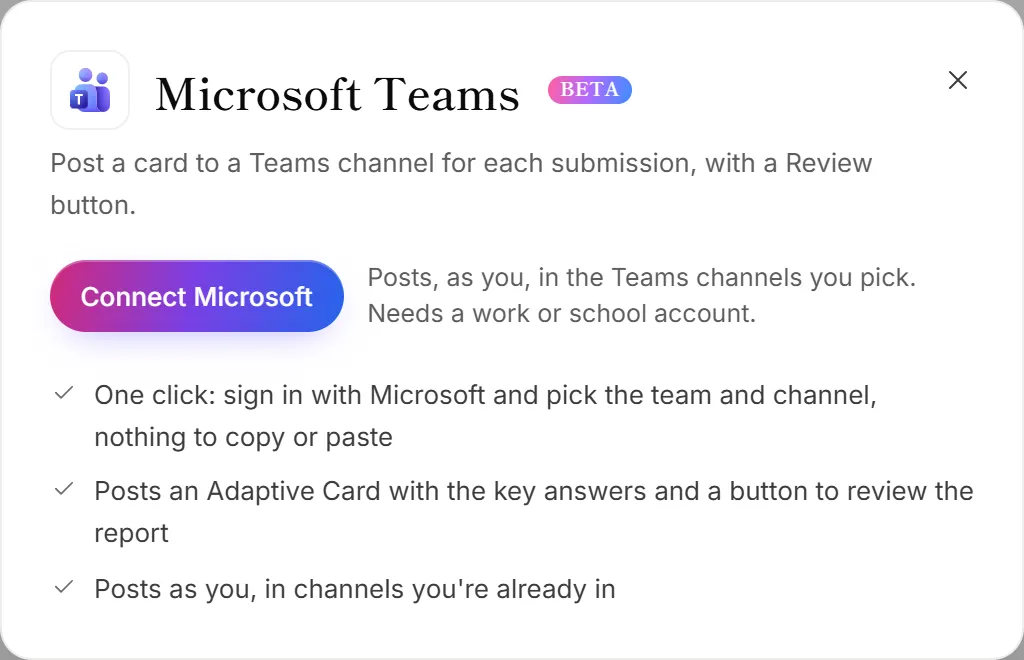
- Go to Integrations. The Teams panel opens.
- Click Connect Microsoft.
- Sign in with your work or school account and accept the permissions Microsoft shows.
- Back in OneForm, the account's panel opens. (Later, click Manage on the Microsoft 365 card.)
- Under Post to this channel by default, pick a team and channel.
- Click Save and send a test message to check it, or Save.
If your Microsoft account is already connected for something else, click Allow next to Teams on its card instead of steps 2 and 3.
Post a card from a workflow
- Open Workflows and open the workflow you want.
- Click + (Add an action) and choose Teams message.
- Under Microsoft account, choose the account, then pick the Channel. It starts with your default channel.
- Write the Message. Use + Insert answer to add the client's name or any answer.
- Turn List the answers and Add a “Review the report” button on or off.
- Click Test it, then Turn on (or Save and turn on).
What OneForm can do in Teams
OneForm sees the teams and channels you're in, so you can pick one, and posts messages there. It doesn't read your messages or chats. The access is stored encrypted.
Disconnect Teams
On the Integrations page, click Manage on the Microsoft 365 card, then Disconnect. This removes the whole Microsoft account, so Excel, OneDrive, Outlook and Outlook Calendar stop working for it too. To also remove OneForm from your Microsoft account, go to myapps.microsoft.com.
Why don't I see my channel?
OneForm only lists channels the connected person is a member of. Join the channel in Teams, then click Refresh next to Channel.
Why does Teams say I need a work or school account?
The connected account is a personal Microsoft account, which has no Teams channels. Connect a Microsoft 365 work or school account instead.