Zoho CRM gets every new client as a lead. OneForm adds the lead, or updates them if they're already there, matched by email, so syncing twice never makes a duplicate.
Connect Zoho CRM
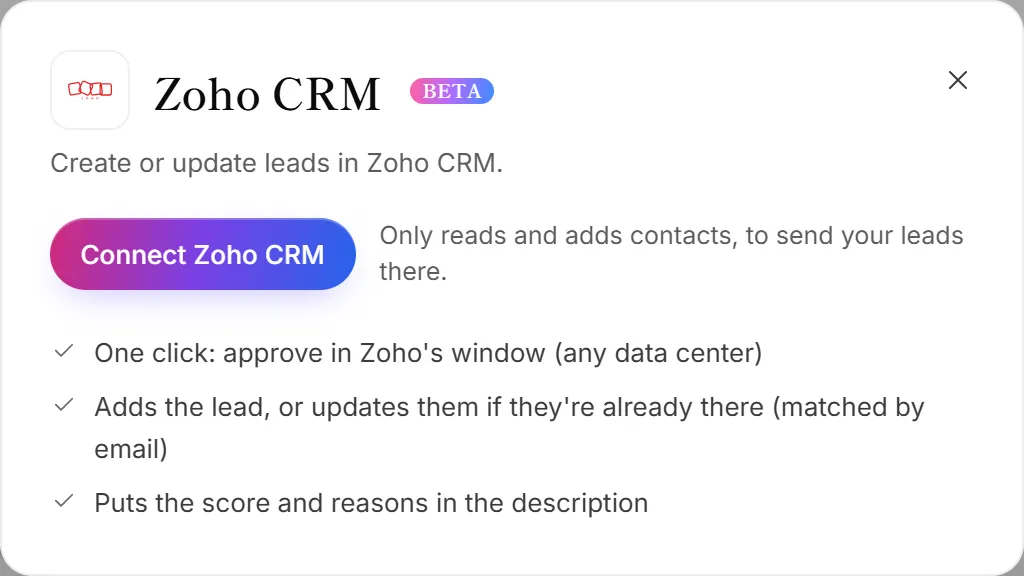
- Go to Integrations. The Zoho CRM panel opens.
- Click Connect Zoho CRM.
- Sign in to Zoho and accept OneForm's access. Any Zoho data center works.
- You're back in OneForm, and Zoho CRM is connected.
What OneForm sends
Each person becomes a lead in Zoho CRM's Leads module, with their first and last name, email, phone and company. The Description holds the OneForm lead score, the grade and the reasons for it. Empty answers never wipe what Zoho already has.
Send leads from the Leads page
- Go to Leads. Tick the people to send, or filter the list. With nothing ticked, everyone shown is sent.
- Click Export.
- Under Send to your CRM or a sheet, choose your Zoho CRM account.
This needs full Leads on your plan, and an owner or admin. See Send leads to your CRM.
Send leads automatically
- Open Workflows and open the workflow you want.
- Click + (Add an action) and choose Send the lead to Zoho CRM.
- Under Zoho CRM account, choose the account.
- Under Which leads, choose Everyone, Warm & hot or Hot only.
- Click Test it, then Turn on (or Save and turn on).
Disconnect Zoho CRM
On the Integrations page, click Manage on the Zoho card, then Disconnect. OneForm also gives up its access in Zoho. The leads it made stay in Zoho CRM. The access OneForm keeps while connected is stored encrypted.
Why wasn't a lead sent to Zoho CRM?
- They have no email. Zoho leads are matched by email, so a lead with only a phone number is skipped.
- The workflow action skipped them. It only sends the leads you chose under Which leads.
- Zoho access was removed or expired. The Zoho card moves to Needs attention; click Reconnect.